
Short answer: CapCut and ViralReel are two ways to make a Hit the Road Dude remake, and they fit different desks. CapCut pastes your photo into a fixed template inside the CapCut app. ViralReel generates a new MP4 in the browser at https://www.viralreel.app/hit-the-road-dude-ai-template. Neither path is the original TikTok, and ViralReel does not license that audio or the song “Hit the Road Jack.”
What each one actually is
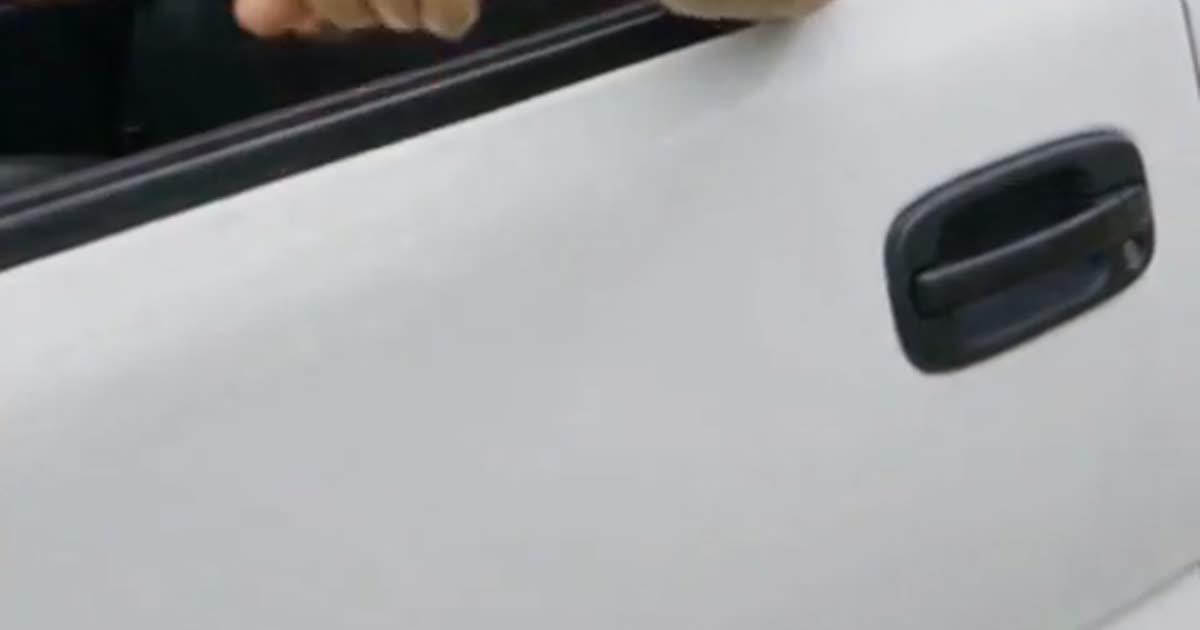
The scene people are recreating is a white pickup stopped at the roadside. A visitor says he thought the fishing spot was public land. The driver pauses, repeats “State?”, and tells him to leave. Know Your Meme records the original TikTok as an August 21, 2025 upload by @bird28thegr8. AI remakes spread in October 2026. State Property, Private Property, and Lock ’Em Up are names for that same exchange. ViralReel does not host the original file or any CapCut project.
CapCut. You open the CapCut app, find a template, and paste a photo into that project’s slot. If the rest of your edit already lives on a CapCut timeline, staying there is reasonable. ViralReel does not operate CapCut and does not rank its templates.
ViralReel. You stay in the browser. There is no app install and no CapCut project to hunt. You pick State Property, Driver Reaction, or Private Property, upload one photo, and download a new fictional MP4.
The landing pages for those two queries are Hit the Road Dude CapCut and Hit the Road Dude without CapCut.
Workflow
- Where it runs. CapCut stays inside the CapCut app. ViralReel stays in the browser at the template.
- What you start from. CapCut starts from a template you have to find. ViralReel starts from three built-in takes and does not ask for a prompt.
- Photos. CapCut pastes whatever that project’s slot accepts. ViralReel uses one photo of one person. Photo checks are in Hit the Road Dude photo tips.
- What you download. CapCut exports whatever that project exports. ViralReel downloads a new 9:16 MP4. It is not a GIF and not the original TikTok. See the MP4 page.
- Afterward. Stay on the CapCut timeline if the rest of the edit is there. Or post the ViralReel MP4, and drop it into CapCut later if you still want a timeline.
You can use both without picking a side. Generate on ViralReel, then import the MP4 into CapCut if the rest of the edit lives there.
Audio
ViralReel does not license the original roadside audio and does not license “Hit the Road Jack.” Some models can follow an admin-configured reference track. That is not a promise of the original voice or of exact dialogue. Add the trend sound from the TikTok, Reels, or Shorts library when you post, and turn on the AI label.
A CapCut project is not a license either. Do not treat a ripped original as something you are allowed to reupload. The song page states the same limit: Hit the Road Dude song.
What it costs on ViralReel
The generator shows the credit cost before you start. Paid credit packs and monthly plans export without a ViralReel watermark. Failed jobs return the credits. Packs and plans are at https://www.viralreel.app/pricing.
FAQ
Is ViralReel a CapCut template? No. It is a browser generator. It does not open inside CapCut.
Which names are the same meme? Hit the Road Dude, State Property, and Private Property. Lock ’Em Up is a later line from the same clip. The split is in State Property vs Hit the Road Dude.
Who should not be in the photo? Minors, celebrities, and public figures. Use one adult you have permission to photograph. A pet photo can be tried; results vary by model.