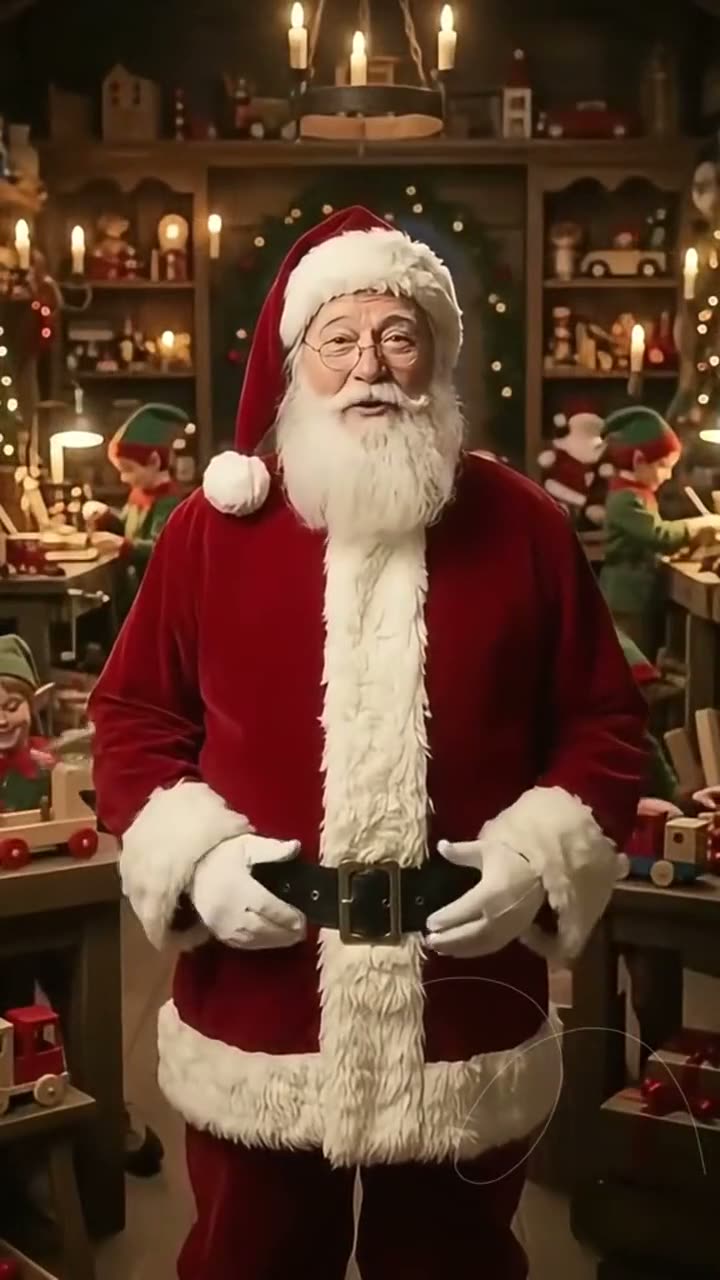
Santa checks his Naughty & Nice List and the sparkles reveal your kid — the Christmas trend parents are posting everywhere.
Make thisTrending AI video templates
Make viral AI videos from your photos
Pick a trending template, upload your photos, and export a 9:16 video in about a minute — auto lip-sync and gestures included. No prompts. No editing apps.
Made for the apps where trends move
TikTokYouTube ShortsInstagram Reels
This week
This week’s trending templates
Open a live template to upload photos and generate. Cards marked coming soon do not link anywhere yet.
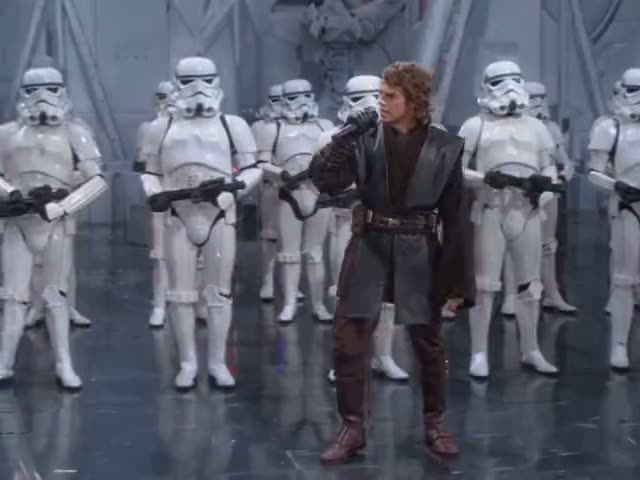
Two photos stage the viral verse-and-chorus performance — your rapper, your singer, and a choir that rises on cue.
Make this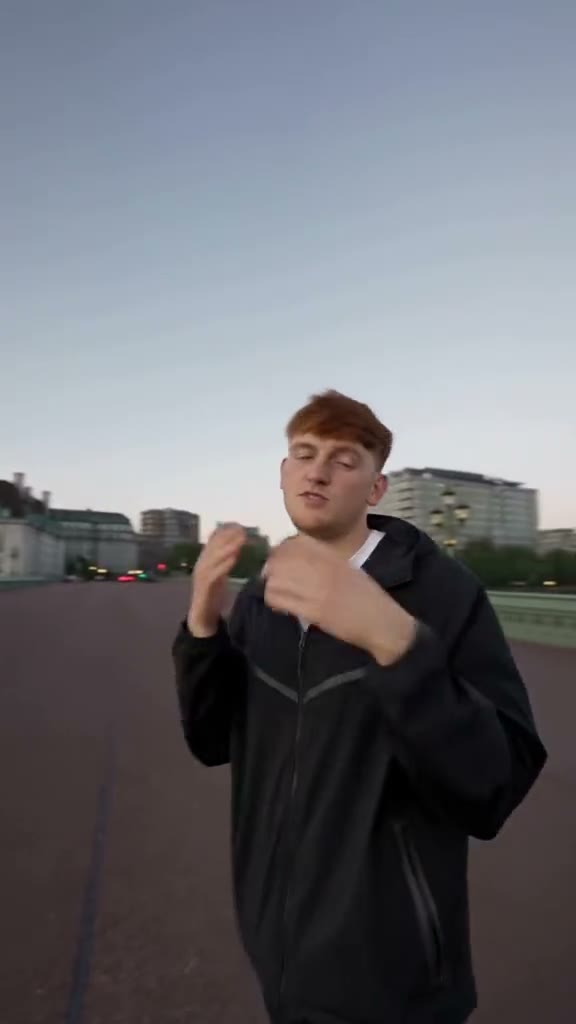
One photo puts you bopping on Westminster Bridge at dawn — the November TikTok trend.
Make this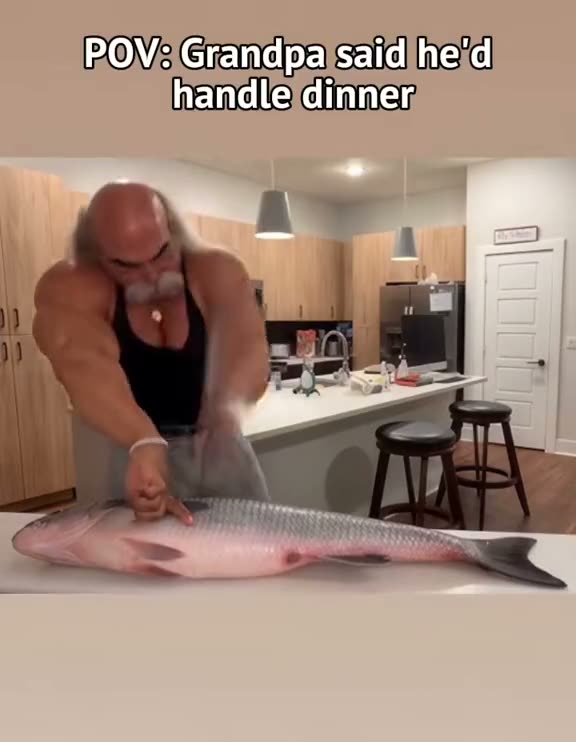
One photo puts you behind the kitchen island chopping a giant fish — the November TikTok trend.
Make this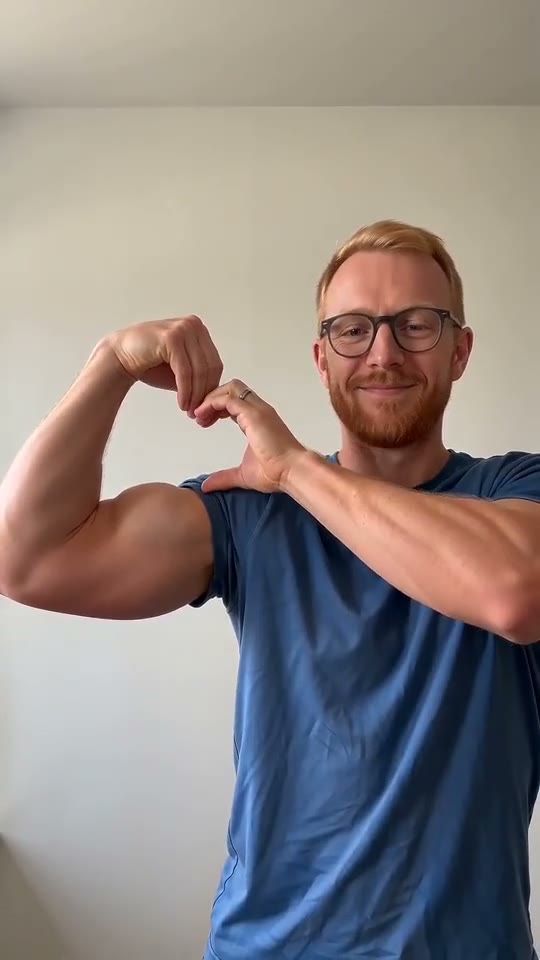
One photo flexes a tiny heart against the bicep — the late-October trend, pets included.
Make this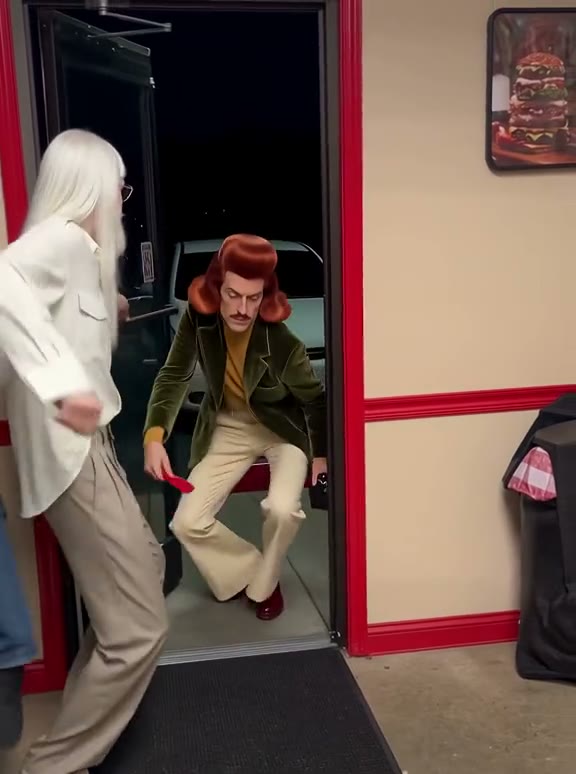
A friend holds the door, you strut through low — the hold-the-door entrance of autumn 2026, cast with your photos.
Make this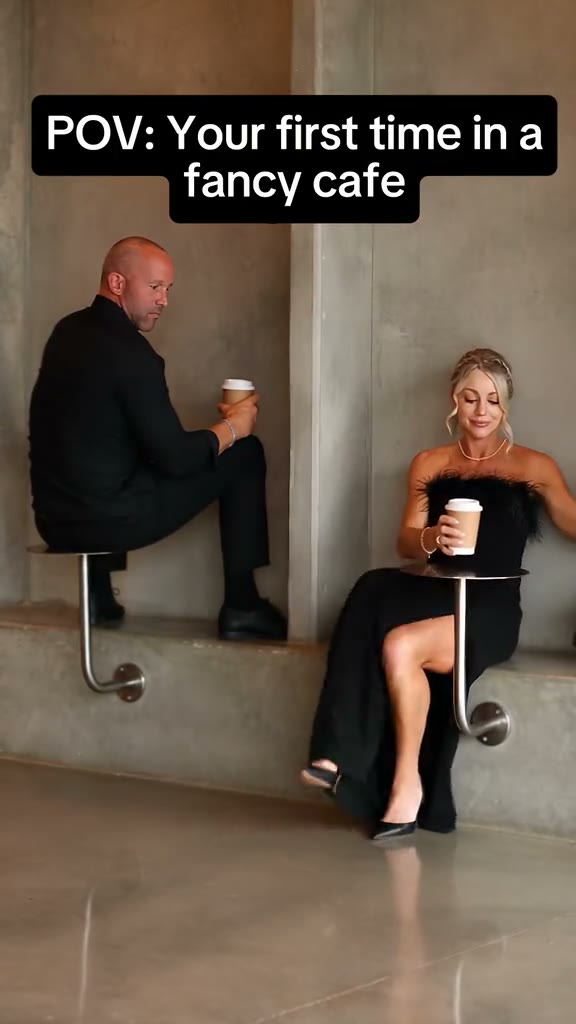
Two photos put you in the viral cafe scene — perched on the tiny table until someone puts a coffee on it.
Make this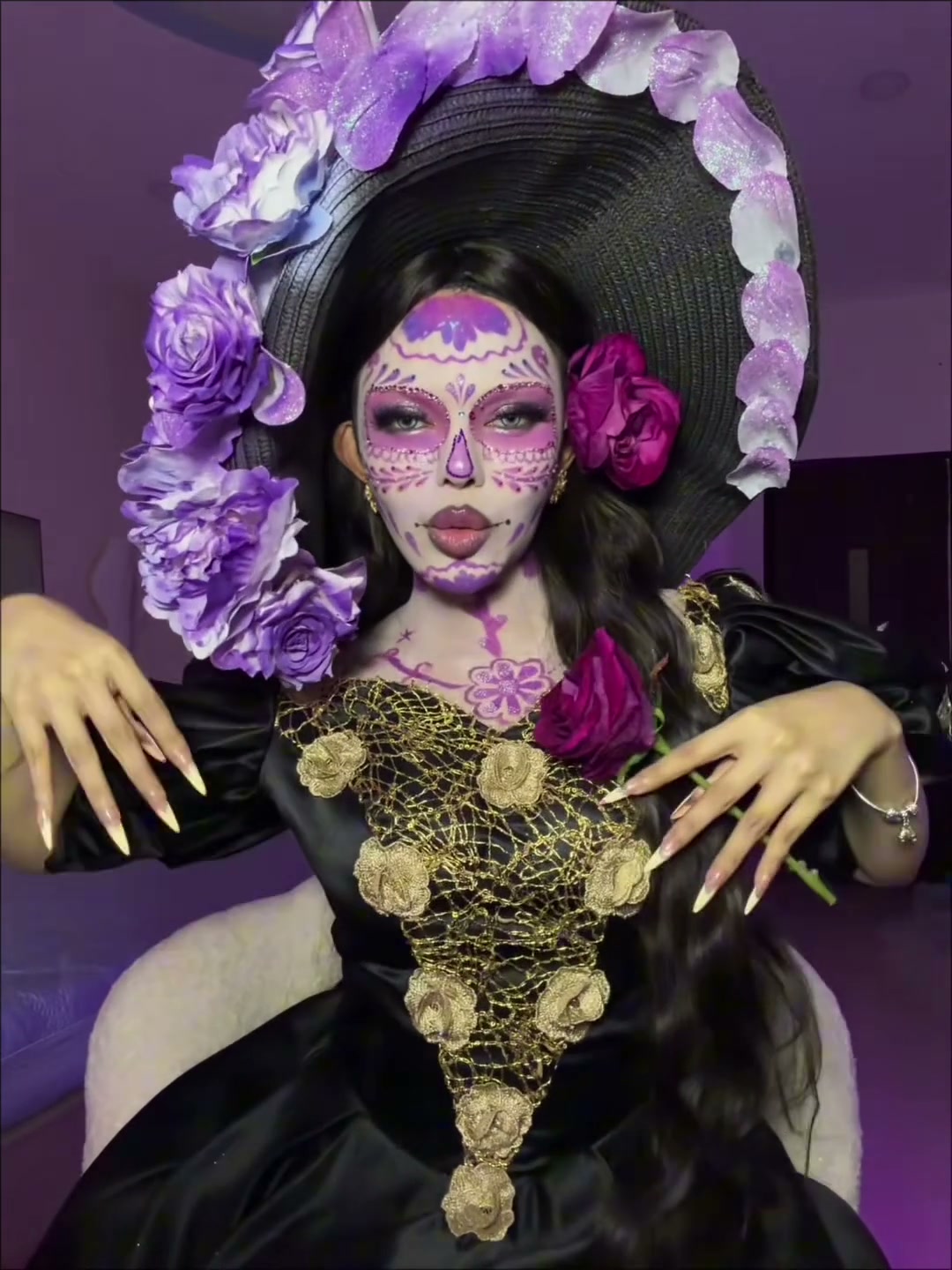
One photo turns you into the fairy-tale Catrina — sugar-skull makeup, marigold crown, and the Adiós señora bonita reveal.
Make this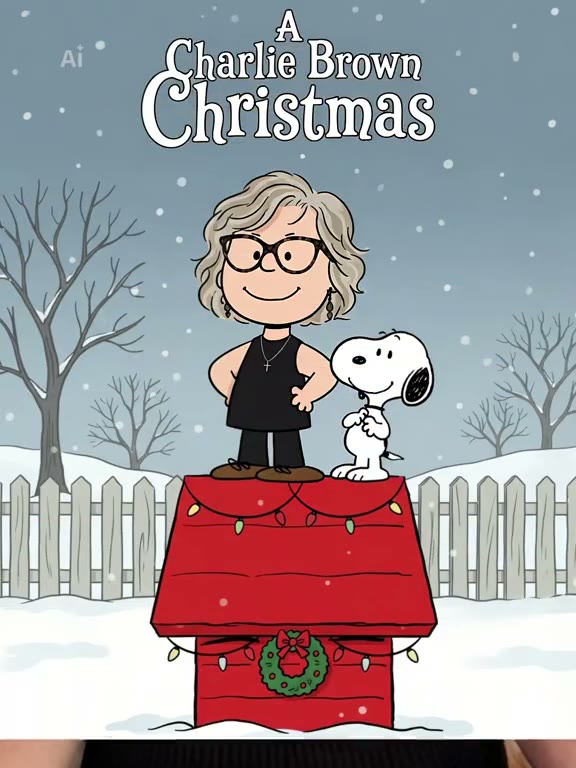
One photo, one scan line — you become a 1965 Peanuts-style cartoon on Snoopy's red doghouse.
Make this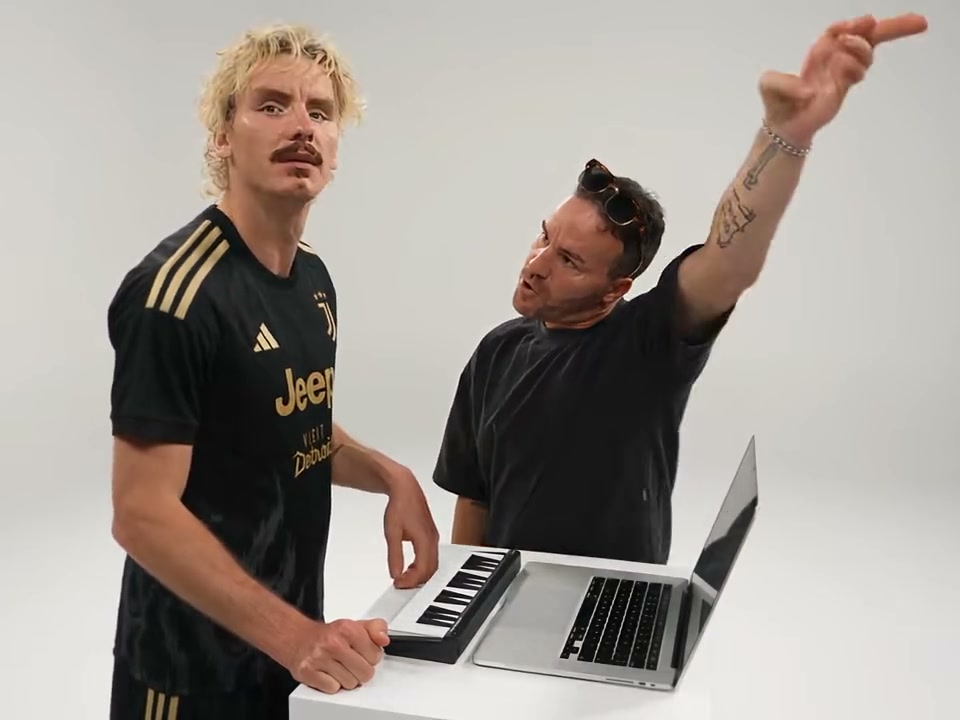
Two photos recast the Stromae white-studio sketch — one plays it straight, one commits far too hard.
Make this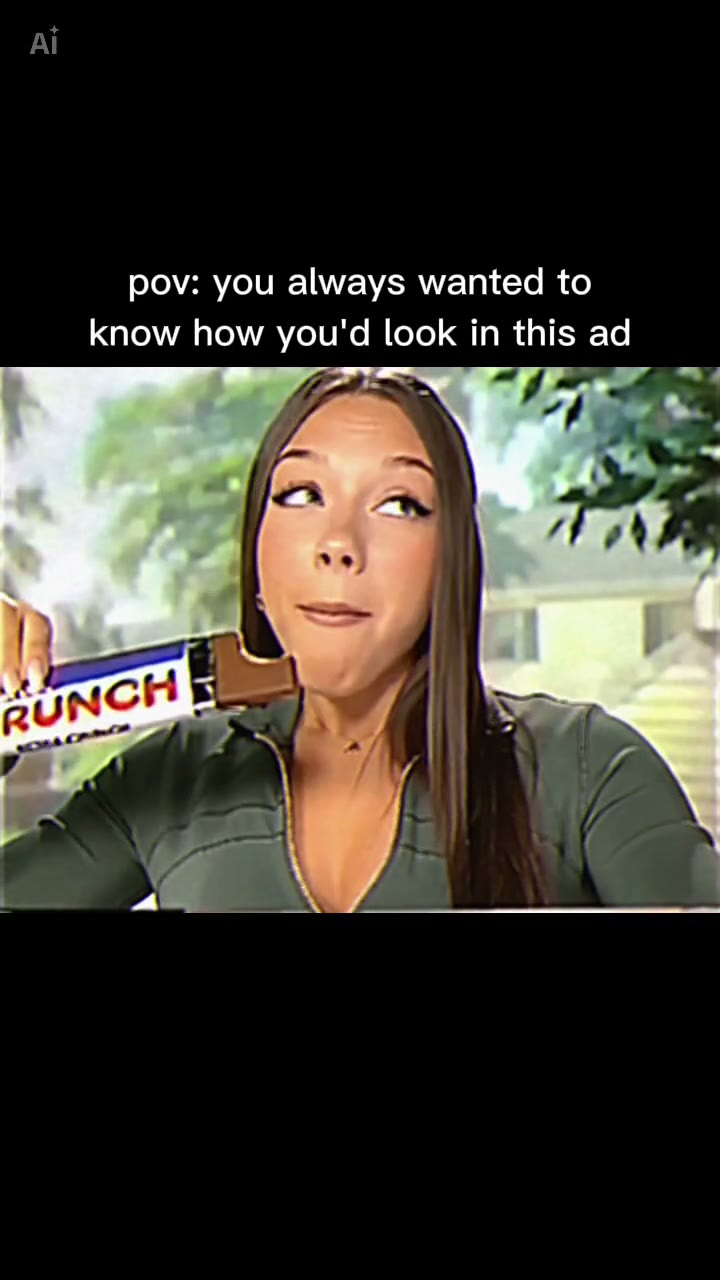
One photo puts you inside a recreated retro TV commercial — the bite, the grin, the jingle.
Make this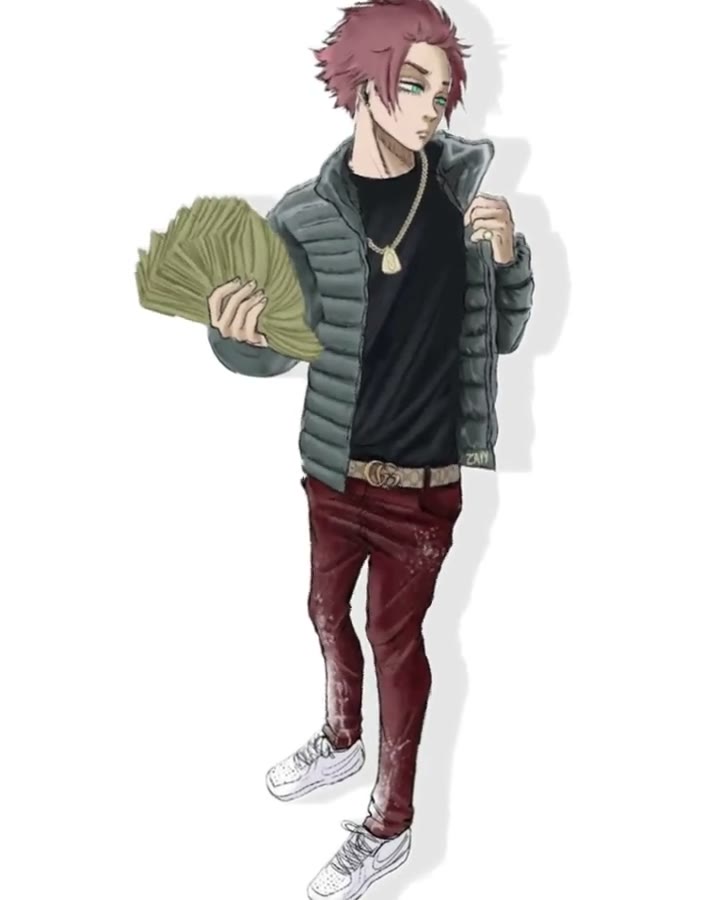
One photo makes you the swaying streetwear anime character.
Make this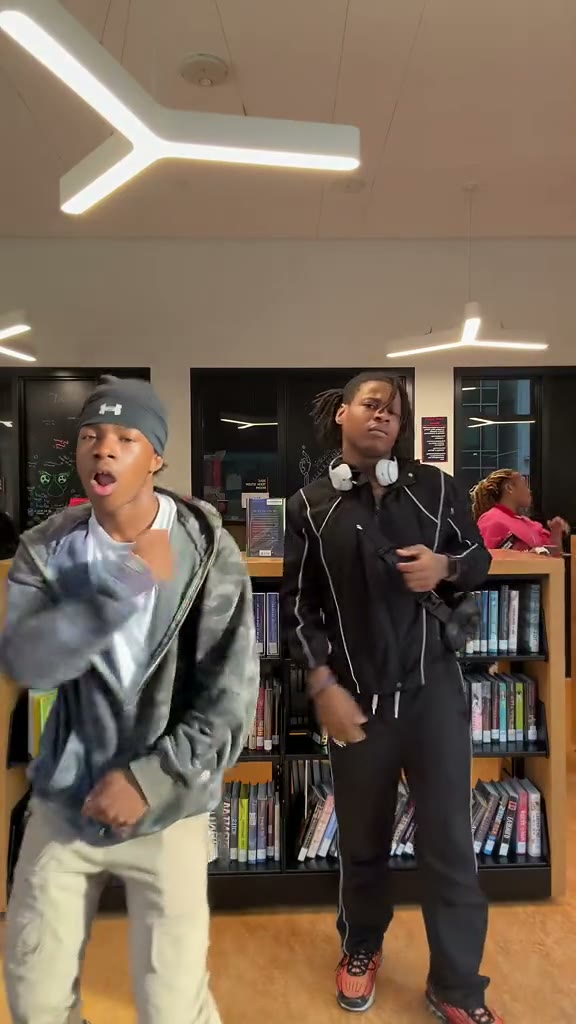
Two photos, one duo routine — solo turns and a sync finish to the Sing remix.
Make this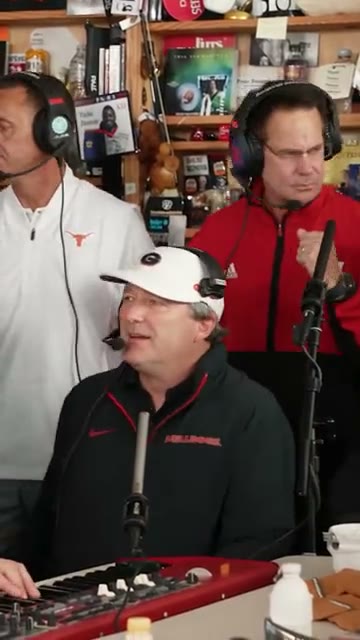
Three photos — Center Lead, Left Role, Right Role — put your crew behind the Tiny Desk singing Outstanding.
Make this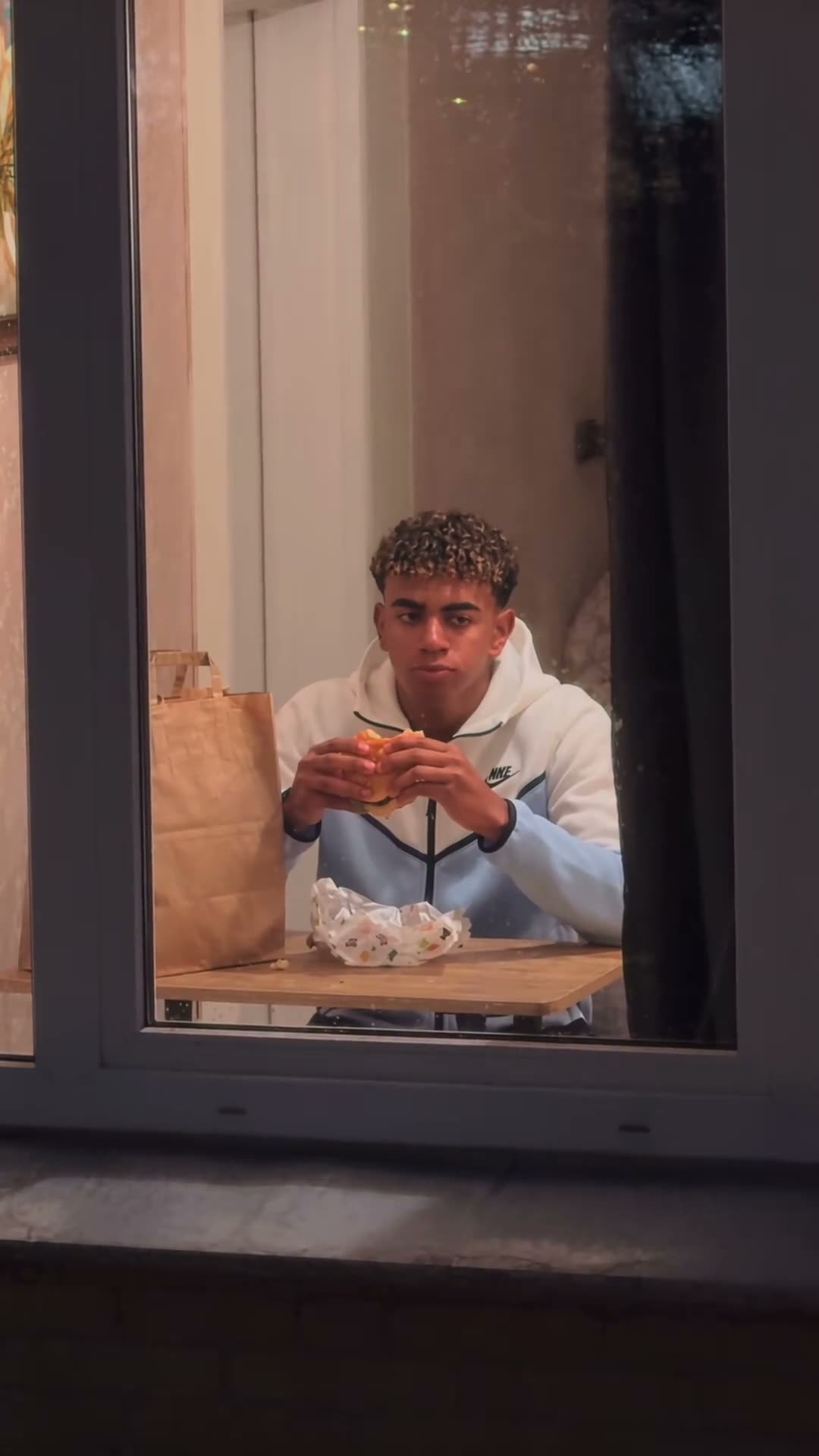
One photo, and you are caught eating at the lit window.
Make this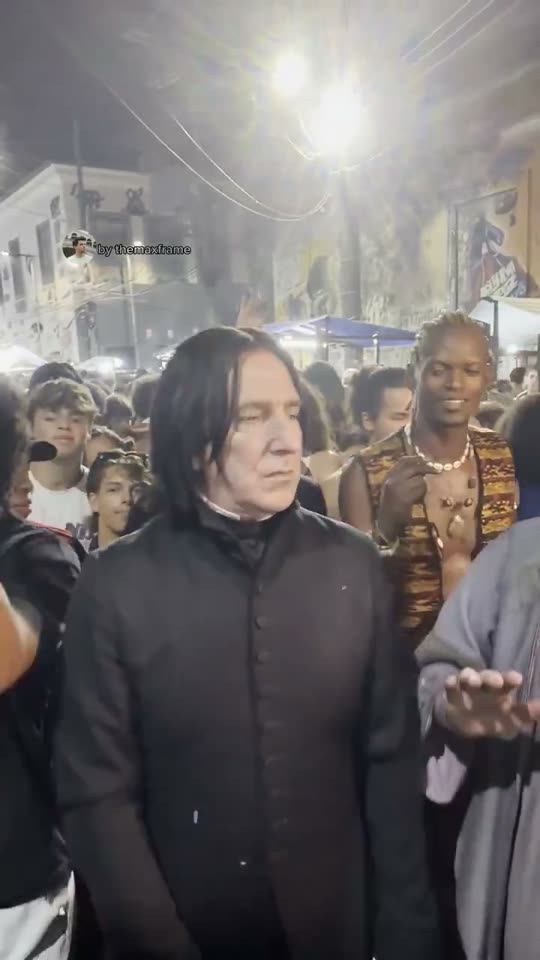
One photo joins the plaza crowd for the Pedra do Sal charme dance.
Make this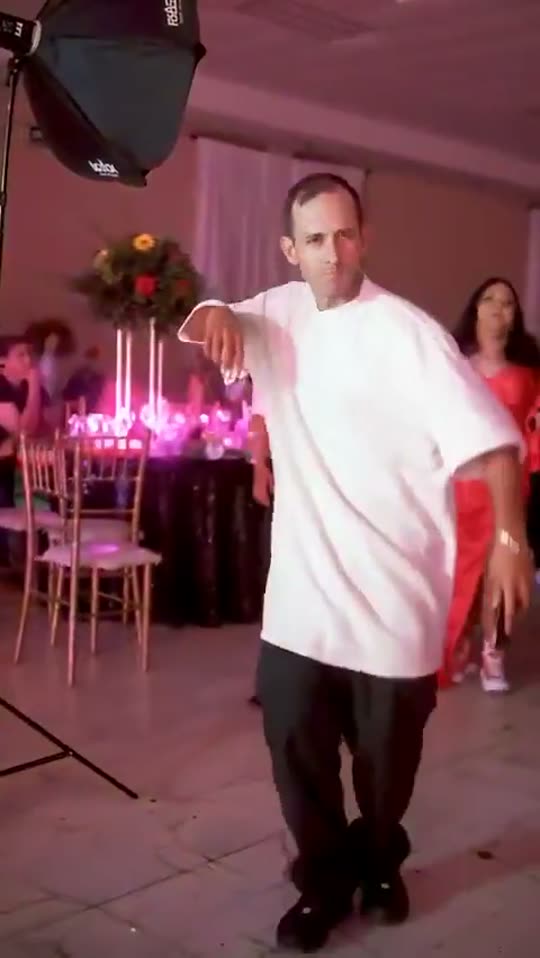
One photo takes the bite, the stare, and the bby wow dance.
Make this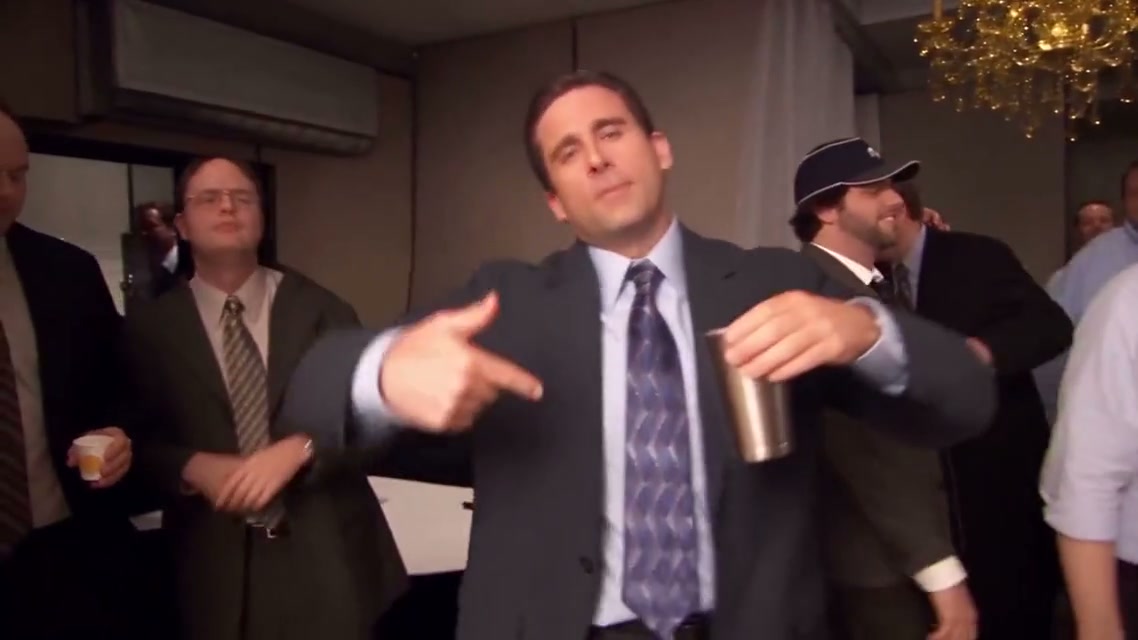
One photo, and you are the dancer the office party is cheering for.
Make this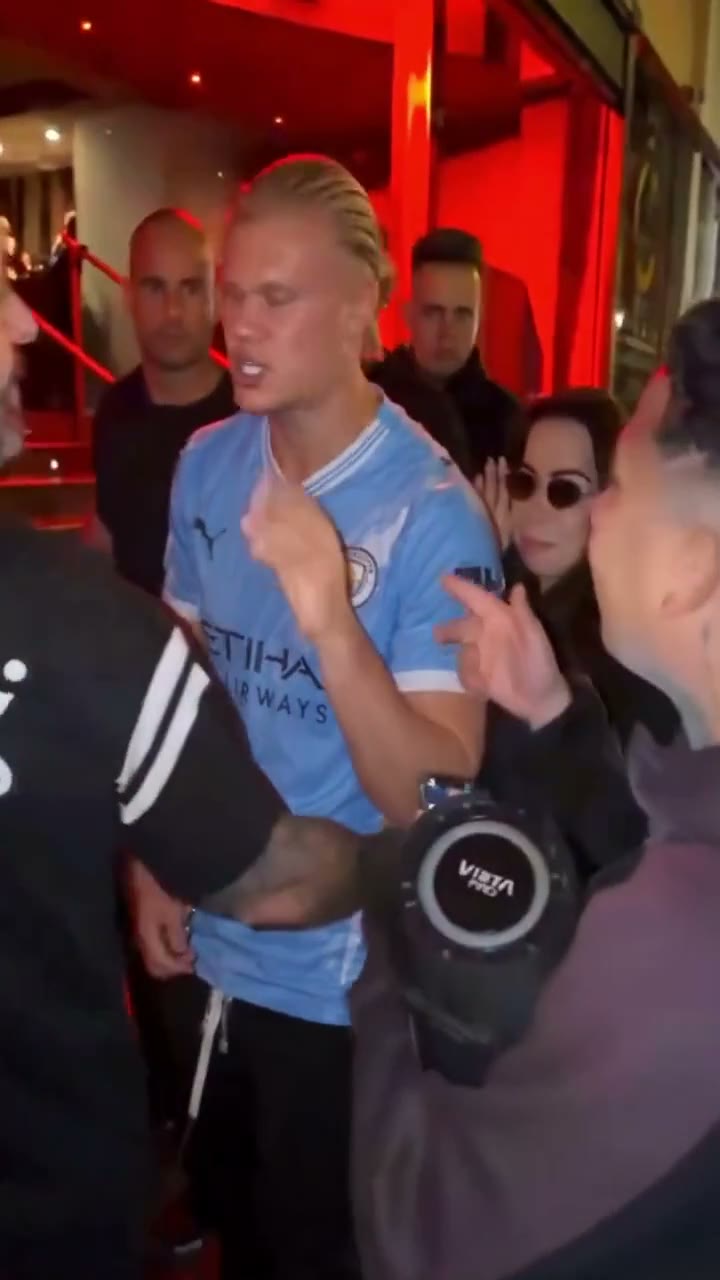
One front-facing photo takes the red-lit freestyle.
Make this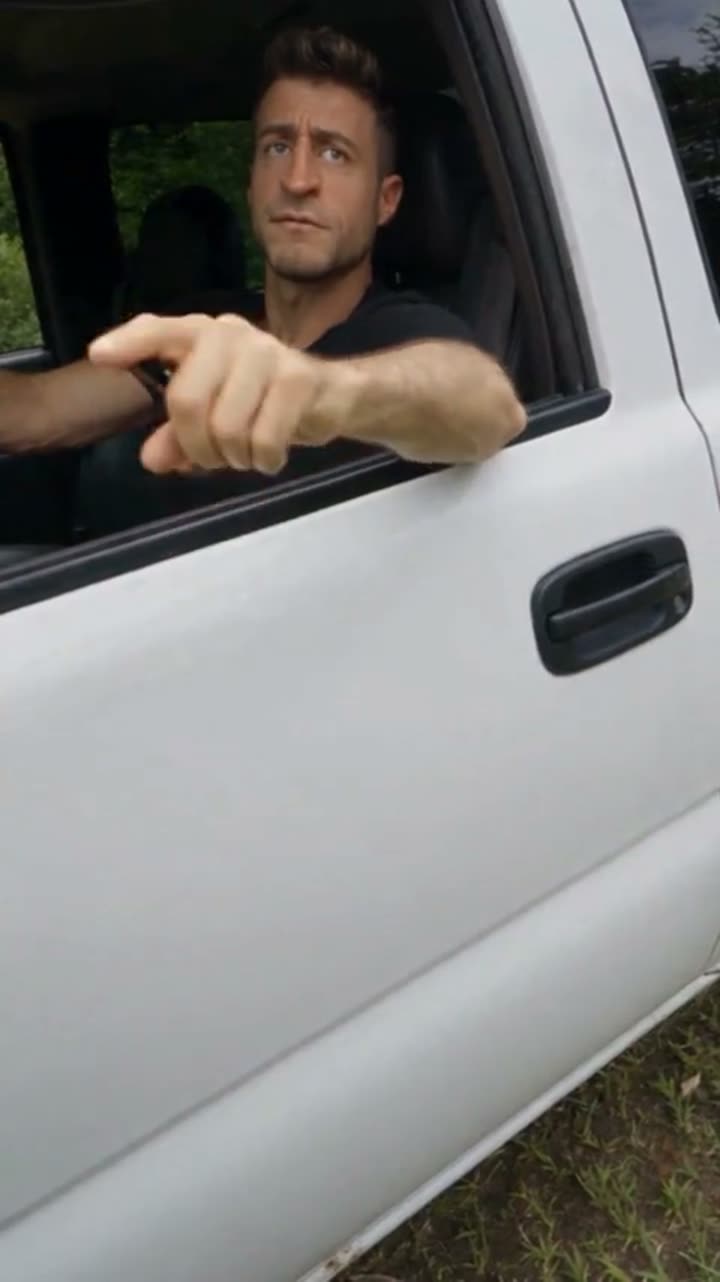
One photo takes the driver seat in a fictional roadside exchange.
Make this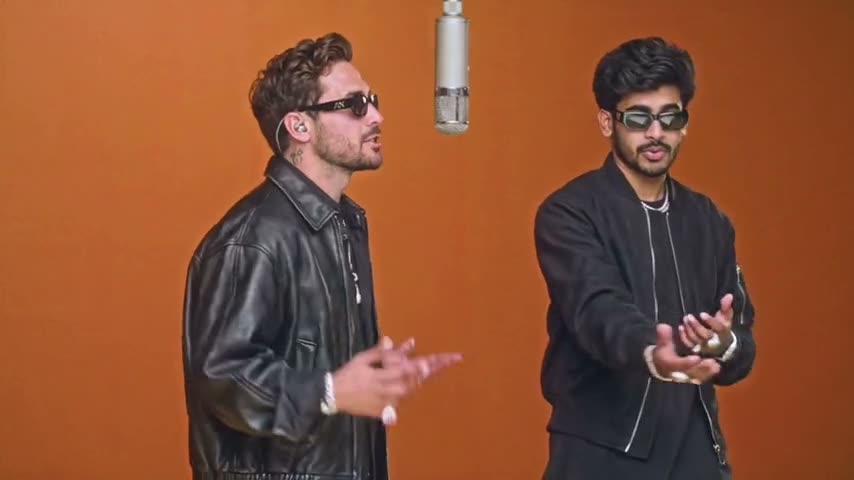
Two photos, the orange booth, and a back-and-forth duet.
Make this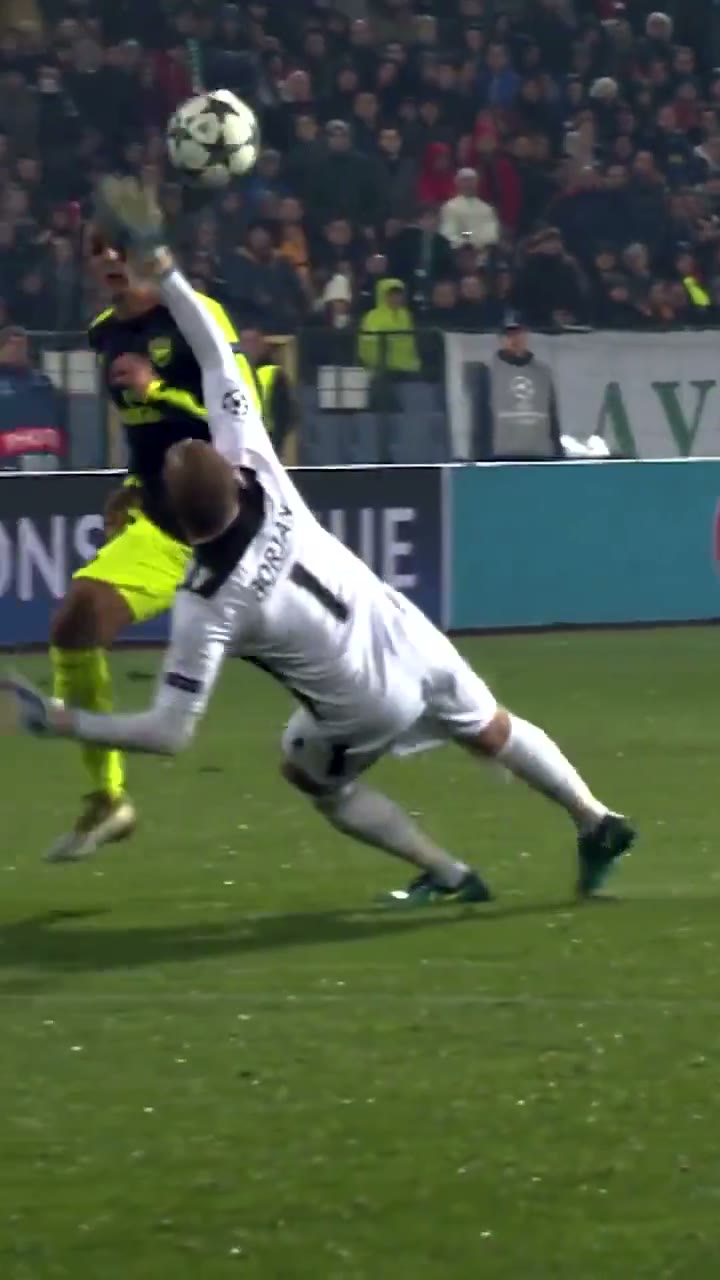
One photo takes the chip, the slides, and the empty net.
Make this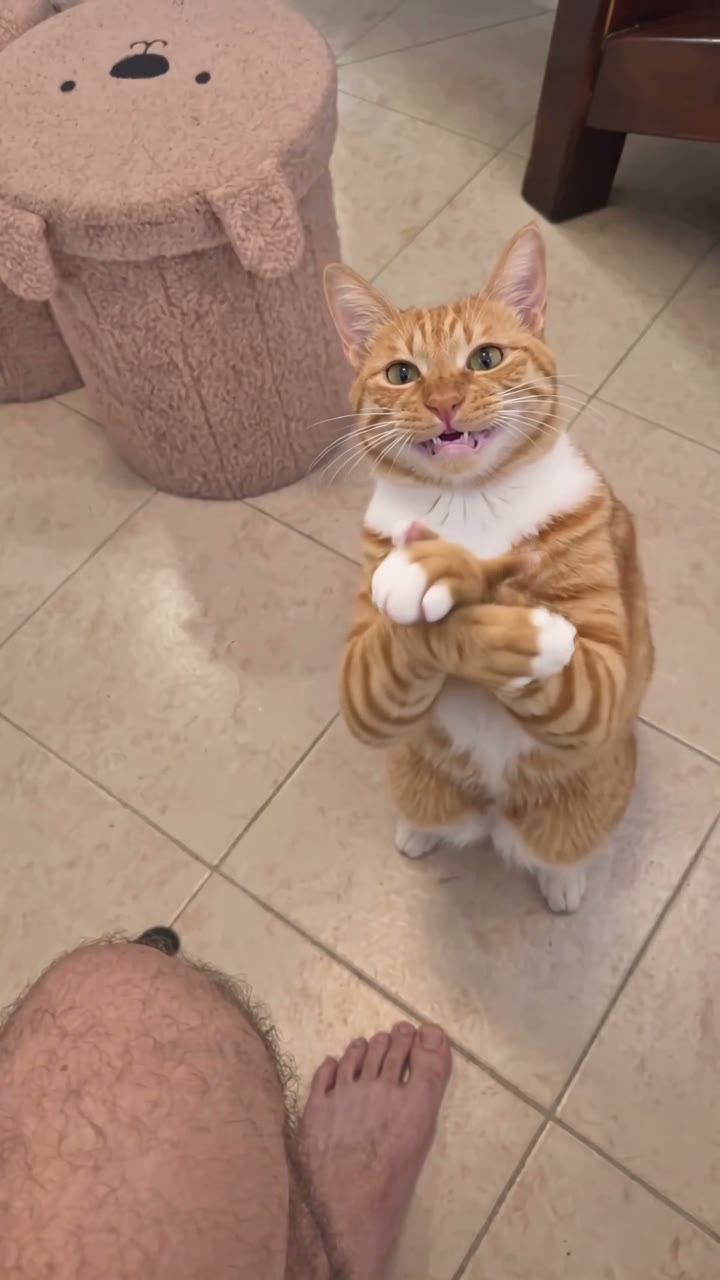
You and a cat, in the clapping clip people keep remaking.
Make thisHow it works
From a photo to a post in four steps
1
Pick a template
Choose a trend that is live this week. Coming-soon cards are not linked.
2
Upload your photos
One clear photo per subject. The template page says whether it needs one or two.
3
Generate in about a minute
Lip-sync and gestures are part of the template. Most renders finish in about 60 seconds.
4
Download and post
Save the MP4, add the trend sound, and label the post as AI-generated where the app asks.
Why ViralReel
A template for the trend, not a blank prompt box
Template-first, not prompt-first
Each trend is a fixed format. Your photos go into that set, motion, and framing.
Any duo or single subject
Couples, friends, pets, or one person. The template page tells you how many photos it needs.
9:16, ready to post
Export a vertical video for TikTok, Reels, and Shorts, then add the trend sound in the app.
Credits you can see first
The generator shows the cost before you render. Top-ups are 12 credits = $1.
Pricing
Flexible plans
One-time credit packs or subscription plans — choose whatever fits your needs.
Starter
$9.9 once
90 creditsAbout 1 videos at default 720p / 15s (75 credits). Longer templates cost more. The generator button is the price for this render.
Popular
$19.9 once
180 creditsAbout 2 videos at default 720p / 15s (75 credits). Longer templates cost more. The generator button is the price for this render.
Creator
$39.9 once
480 creditsAbout 6 videos at default 720p / 15s (75 credits). Longer templates cost more. The generator button is the price for this render.
Max
$69.9 once
950 creditsAbout 12 videos at default 720p / 15s (75 credits). Longer templates cost more. The generator button is the price for this render.
FAQ
Questions about ViralReel
What is ViralReel?
ViralReel is a template-first AI video site for short-form trends. You pick a format, upload photos, and export a vertical video. You do not write a prompt or open an editing app. ViralReel (viralreel.app) is an independent site. It is not an official product of the songs, artists, clubs, or platforms behind each trend.
How is ViralReel different from ChatGPT or a generic AI video tool?
ChatGPT and generic video tools ask you to describe a shot, so the model invents a new clip. ViralReel starts from a fixed template — the set, the motion, and the framing — and places your photos into that format. Lip-sync and gestures are part of the template.
How is a ViralReel remake different from a prompt tool?
A prompt tool such as Kling or a general studio such as Higgsfield asks you to describe the shot, so the model invents a new clip. ViralReel starts from a fixed template — the set, the motion, and the framing — and places your photos into that format. Lip-sync and gestures are part of the template. You do not prompt-engineer the trend.
How many photos do I need?
It depends on the template. A duo such as Hotel Lobby or Cat Clapping uses two photos, one subject each. A single-subject template such as Burning Bridges, Bulin 47, Ozil Goal, Hit the Road Dude, Pedra do Sal, or Bby Wow uses one. Each template page tells you what to upload before you generate.
What kind of photo works?
Use a clear, front-facing photo of one subject, with the face large enough to see and ordinary indoor light. A group shot, a profile, or two faces in one photo is the usual reason a face blends or drifts. The template page says whether it needs one photo or two, and which photo goes in which slot.
Can I use pet photos?
Yes. Several templates are built for animals, including Cat Clapping and the pet variants on Hotel Lobby and Bulin 47. Use only photos you have permission to use.
Can I export 9:16?
Yes. The generator includes 9:16 for TikTok, Instagram Reels, and YouTube Shorts. Some templates open on 16:9 because the source trend is widescreen; switch to 9:16 before you generate. 1:1 is on the same control.
How many credits does one remake cost?
The generator button is the price for the current render. On the public 15-second table, 480p is 60 credits, 720p is 75 credits (about $6.25 at 12 credits = $1), and 1080p is 90 credits. A one-time Starter pack is $9.9 for 90 credits, about 1 videos at default 720p / 15s. Longer templates cost more. 8-second, 12-second, and 30-second rows stay on the pricing table. The full table is at https://www.viralreel.app/pricing.
Do exports have a watermark?
Paid credit packs and monthly or yearly plans export without a ViralReel watermark, at both 720p and 1080p. Every pack and plan on https://www.viralreel.app/pricing includes both resolutions.
Can I post the video commercially?
You can download the MP4 and post it, including on a creator account. You still need the right to use every photo. You also have to follow the model provider’s terms and the rules of the app where you post. ViralReel does not grant rights in someone else’s likeness, a song, or a brand.
Does the video include the trend sound, and do I label it as AI?
The template gives you the picture. Add the trend sound inside TikTok, Reels, or Shorts. That audio stays under the platform’s music rules; ViralReel does not license the original song. Where the app asks you to label AI-generated content, you add that label.
What happens if a render fails?
Credits are deducted when a generation is accepted. If that job fails or is canceled, including when the model rejects the photo, those credits return to your balance. The money already paid for a pack or a plan is not refunded as cash just because credits went unused.
How long does a video take to render?
Most templates finish in about a minute. Length choices differ by template: many go up to 15 seconds, and some short clips are 4 or 6 seconds. The template page shows the options before you start.
Do I get free credits?
No — ViralReel does not offer free credits or a free trial; every render is paid. The generator always shows the credit cost before you render, and failed or canceled generations are refunded. One-time credit packs start at $9.9 (90 credits) on https://www.viralreel.app/pricing. Monthly plans start at $9.9/mo (90 credits); the monthly detail page is https://www.viralreel.app/subscribe. Top-ups are 12 credits = $1.
Pick a template and make the video
Live templates open on their own pages. Upload photos there.
Browse trending templates