Alors On Danse on TikTok
The Alors On Danse TikTok trend is the white-studio sketch recast wave. Here is how it moved, and how to post yours into the same feed.
What this page is
The TikTok wave, and posting yours
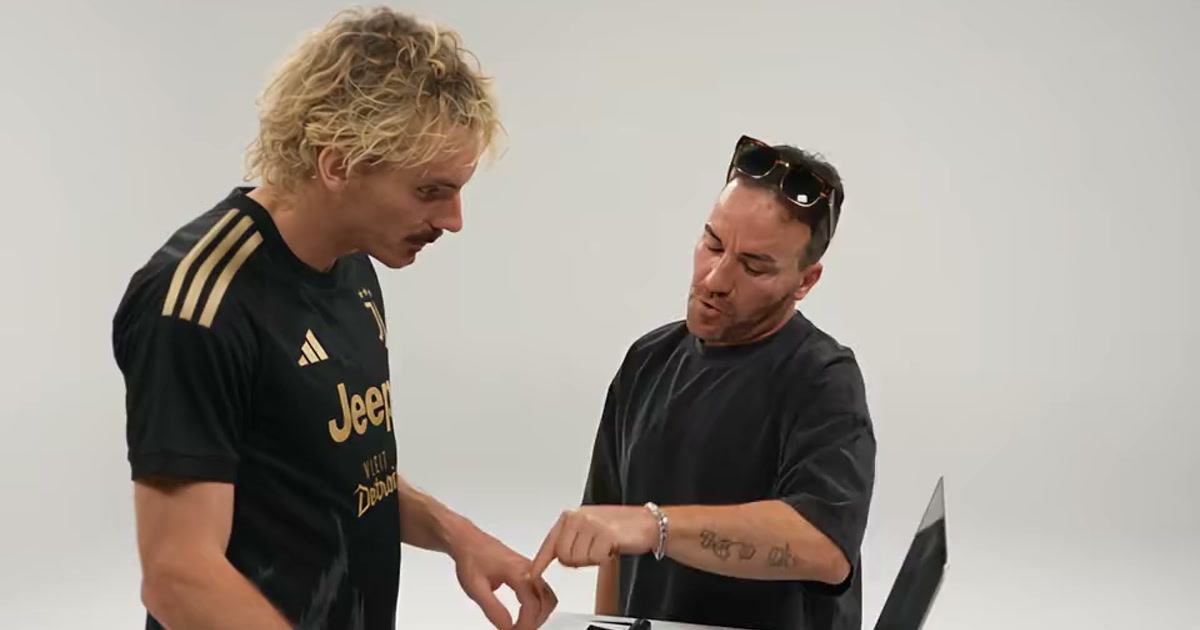
The wave moved fast through October 2026. The sketch itself went round again in April for the song's 16th birthday, passing 21 million plays. The first AI recasts landed on 2 October — two F1 drivers at the keyboard, then Gandalf with Frodo. On 5 October, Mr. X and Leon from Resident Evil took the two roles and became the biggest recast of the wave at 341.7K plays. Footballers followed on 8 October — DJ Yamal on the keys with MC Messi and MC Ronaldo dancing. By 21 October a plain repost of the sketch passed 551K plays in days, and the how-to posts were everywhere.
You do not need a TikTok login to make one. Open https://www.viralreel.app/alors-on-danse-ai-template, upload two photos, and generate. The generator shows two slots labeled Keyboard Player and Dance Partner. Image 1 is whoever sits at the keyboard and plays it straight; Image 2 is whoever dances, points at the lens and commits far too hard. Swapping them flips the joke. The render returns a ~30-second MP4 with the version's framing.
When you post: add the Alors on danse trend sound from the app's sound picker (the original or the Extended Mix), write a caption about who is who, and turn on the AI-generated label. ViralReel does not license the song. Do not cast celebrities or characters in the photos — the joke works best with people you actually know.
- Upload two photos. On ViralReel, open the Alors On Danse template and upload two clear front-facing photos — Image 1 is whoever plays the keyboard, Image 2 is whoever dances beside them. Use photos of yourself or adults who agreed. A half-body photo with the face clear works best; pets and babies take the dance role well. JPG, PNG, and WebP work.
- Pick a version and generate. Pick the version closest to the pair you are casting — Studio Giant, Original Sketch, Football Duo and more. Keep the 16:9 landscape ratio like the studio versions, check the credit cost shown before you start, and generate. The AI re-shoots the white-studio sketch around your two faces: same room, same beat, same joke.
- Download. Download the MP4 when the render finishes — about 30 seconds, with the contrast joke intact: one person plays it straight at the keyboard, the other commits far too hard beside them. Paid credit packs and monthly plans export without a ViralReel watermark.
- Add the sound and the AI label. In TikTok, Reels, or Shorts, search for the Alors on danse trend sound (the Stromae classic or the Extended Mix people use), post with a caption about who is who, and turn on the AI-generated label where the platform asks. ViralReel does not license the song.
Make the AI video from two photos · The seven versions · TikTok how-to · See pricing
FAQ
Frequently asked questions
Which sound do TikTok posts use?
The song itself — "Alors on danse" by Stromae — usually the original or the Extended Mix upload. Search the sound picker and tap "Use this sound".
What caption works?
A who-is-who line: name the keyboard player and the dance partner. The contrast is the joke, so the caption only has to point at it.
Step into the old ad from two photos
The template is on ViralReel. Pricing lists credit packs and monthly plans.