Make a NostalgIA AI video
To make a NostalgIA AI video, use the ViralReel template. One photo is the whole production.
What this page is
How to make a NostalgIA AI video
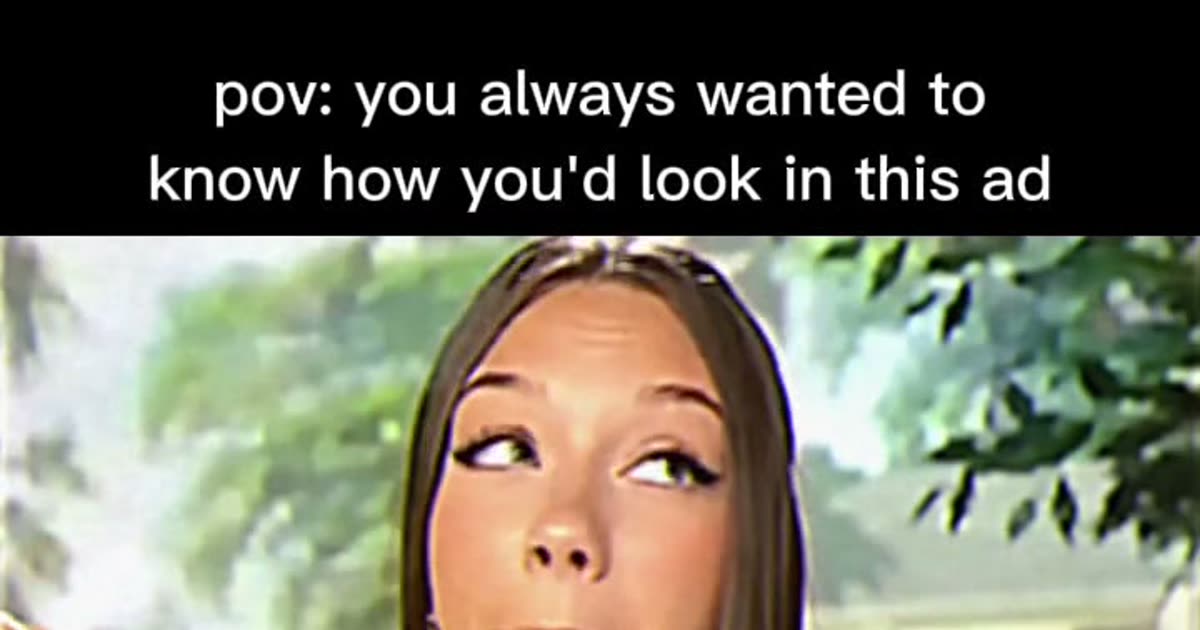
To make a NostalgIA AI video, open https://www.viralreel.app/nostalgia-ai-template and upload one clear photo of yourself — face toward the camera, chest up. Pick the lead role that matches your photo: Classic Sweetheart, Blonde Bob, Long Hair, Butterfly Necklace, and Star '85 are five lead roles of the same retro ad.
Keep 9:16 and generate. The template recreates the retro TV-ad scene — the letterboxed SD picture, the backyard, the bite, the grin, the jingle text — with you as the star. The length is fixed at 10 seconds so the clip loops like the trend posts.
The download carries the picture only. Add the trend sound in the TikTok, Reels, or Shorts sound picker and keep the AI label on. ViralReel does not license the audio. Then post with the "pov: you always wanted to know how you'd look in this ad" caption people recognize. Use one clear photo of yourself or an adult (18+) who agreed to it. No minors, no celebrities, no strangers, and do not pass the output off as a genuine old commercial.
- Upload one photo. On ViralReel, open the NostalgIA CapCut template and upload one clear front-facing photo of yourself (or an adult who agreed to it) — face toward the camera, chest up or half body. JPG, PNG, and WebP work. Skip group shots, sunglasses, and heavy filters.
- Generate. Leave the ratio on 9:16, check the credit cost shown before you start, and generate. The template recreates the retro TV-ad scene — the letterboxed SD picture, the backyard set, the bite, the grin — with you as the star.
- Download. Download the MP4 when the render finishes. Paid credit packs and monthly plans export without a ViralReel watermark.
- Add the trend sound and the AI label. In TikTok, Reels, or Shorts, search for the NostalgIA trend sound (or the classic candy-bar jingle people use) in the sound picker, add the "pov: you always wanted to know how you'd look in this ad" caption, and turn on the AI-generated label where the platform asks. ViralReel does not license that audio.
Make the AI video from one photo · NostalgIA CapCut comparison · TikTok how-to · See pricing
FAQ
Frequently asked questions
What photo works best?
A clear, front-facing photo with even light — chest up or half body. Skip sunglasses, group shots, and heavy filters; the face carries the whole ad.
Can I make one for a friend?
Yes, with their permission — one photo, one video, one star. Posting a run of them back to back recreates the "channel surfing" effect.
Step into the old ad from one photo
The template is on ViralReel. Pricing lists credit packs and monthly plans.