NostalgIA CapCut
Searching NostalgIA CapCut usually means you want the trend without learning an editor. Here is the honest comparison, and the browser path that does the whole ad in one click.
What this page is
CapCut template or ViralReel: which makes the NostalgIA ad?
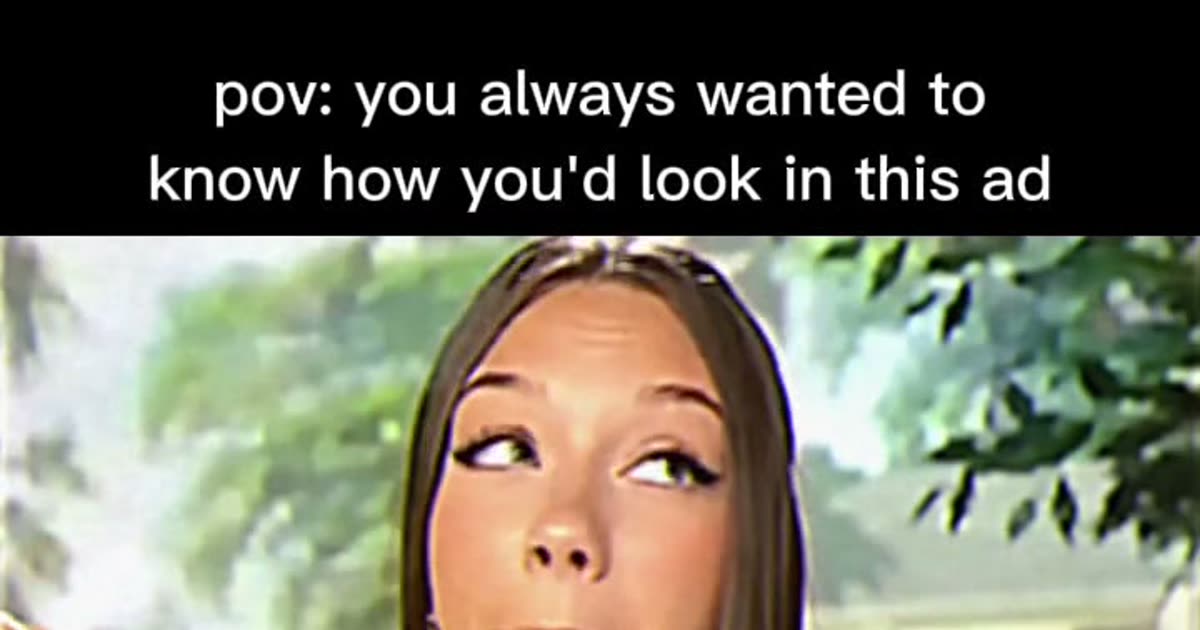
The NostalgIA trend is not really a CapCut edit. The viral posts are AI-generated videos: a model watched a reference and filmed a new retro chocolate-bar commercial starring one person. A CapCut template can only cut your clips together — it cannot put you inside the ad, and most "NostalgIA CapCut template" links are just regular retro edits wearing the name.
ViralReel does the AI part at /nostalgia-ai-template. You upload one photo and the template recreates the whole scene: the letterboxed SD picture, the backyard set, the bite, the grin at the camera, the red jingle text. Eight seconds, 9:16, no app to install.
What CapCut is still good for is the last step: none. Add the trend sound inside TikTok, Reels, or Shorts instead — the download from ViralReel carries the picture only, and adding the sound in the app is what files your post under the trend.
- Upload one photo. On ViralReel, open the NostalgIA CapCut template and upload one clear front-facing photo of yourself (or an adult who agreed to it) — face toward the camera, chest up or half body. JPG, PNG, and WebP work. Skip group shots, sunglasses, and heavy filters.
- Generate. Leave the ratio on 9:16, check the credit cost shown before you start, and generate. The template recreates the retro TV-ad scene — the letterboxed SD picture, the backyard set, the bite, the grin — with you as the star.
- Download. Download the MP4 when the render finishes. Paid credit packs and monthly plans export without a ViralReel watermark.
- Add the trend sound and the AI label. In TikTok, Reels, or Shorts, search for the NostalgIA trend sound (or the classic candy-bar jingle people use) in the sound picker, add the "pov: you always wanted to know how you'd look in this ad" caption, and turn on the AI-generated label where the platform asks. ViralReel does not license that audio.
Make the AI video from one photo · NostalgIA CapCut comparison · TikTok how-to · See pricing
FAQ
Frequently asked questions
Is there an official NostalgIA CapCut template?
Not that we can verify. The viral NostalgIA posts are AI-generated videos, not CapCut projects. Sites listing "NostalgIA CapCut templates" usually point at generic retro edits.
Can CapCut put me inside the ad?
No. CapCut cuts clips; it does not generate new footage of you. The AI generation happens at /nostalgia-ai-template, then you can post the MP4 anywhere.
Step into the old ad from one photo
The template is on ViralReel. Pricing lists credit packs and monthly plans.