How to make a Catrina AI video
Four steps, one photo, and the marigold light does the rest — the full walkthrough.
What this page is
From photo to reveal, step by step
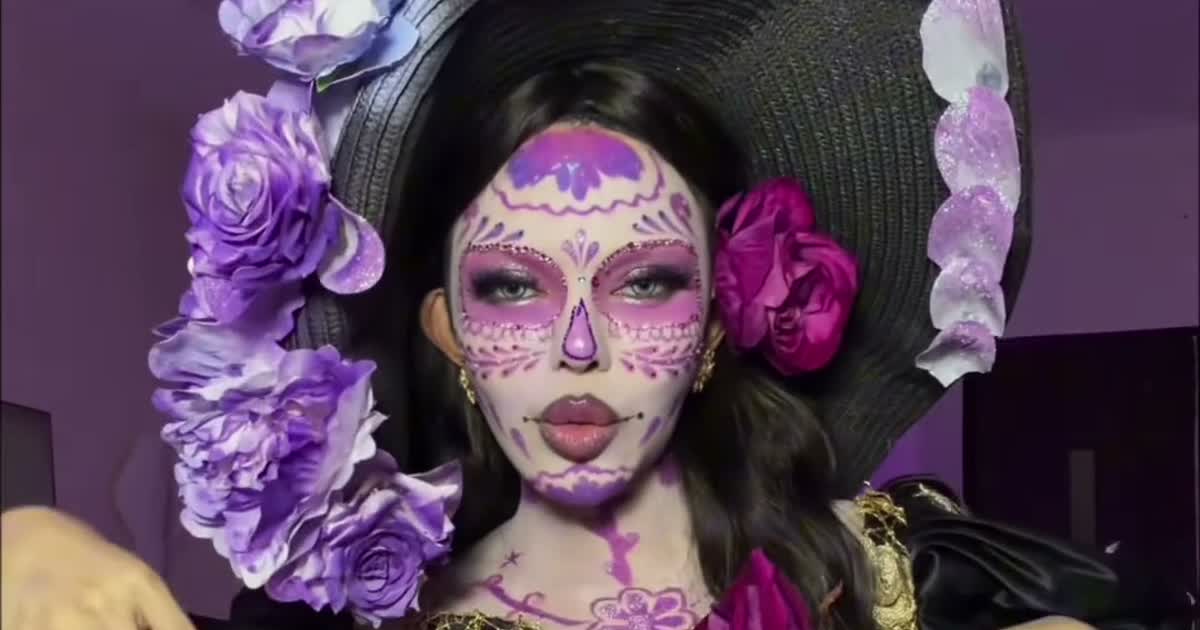
What you need: one clear front-facing photo (yours, a family member's, or your pet's — whole head and markings for pets), and a browser. No app, no editor, no prompt: the reveal, the gown, the camera and the sound are pre-built into every sample.
Open https://www.viralreel.app/sasha-la-catrina-ai-template and pick the reveal whose mood you want — the flower toss in the bedroom, the hands-over-the-face at the ofrenda, the walk down the candle path, the Catrín in the top hat, or the pet clips. The sample you pick decides the length (5, 10 or 15 seconds), the camera and the sound.
Tips that separate good versions from great ones: a photo where the face is unobstructed and evenly lit reads best under the paint; waist-up if you want the full gown; render two or three reveals and post in batches; and ride the timing — the wave peaks on November 1-2 and fades right after.
- Pick a reveal, upload one photo. Open the Sasha La Catrina template, pick the reveal you want from the sample list — the flower toss, the ofrenda hands-over-face, the Catrín, or the pet versions — and upload one clear front-facing photo. Face toward the camera, hands away from the face, waist-up if you want the gown. For a pet, a photo where the whole head and its markings show. JPG, PNG, and WebP work.
- Generate the transformation. The clip's reveal, camera, gown and sound are all pre-built — your photo only supplies the face. Check the credit cost shown before you start and generate. The AI keeps your face under the sugar-skull paint and rebuilds the gown, the candles and the petals around it at the clip's own length.
- Download the MP4. Download the vertical MP4 when the render finishes — the reveal lands on the marigold light, with the sample's original sound already kept. Paid credit packs and monthly plans export without a ViralReel watermark.
- Post with the trend sound and the AI label. Post on TikTok under #fairytalecatrina, #lacatrina and #sashalacatrina — or on Reels and Shorts. If the sound is missing from your download, add "Adiós señora bonita" (from The Book of Life) from the in-app library, and turn on the AI-generated label where the platform asks. The trend peaks on Día de Muertos, November 1-2.
Turn one photo into Catrina · The seven reveals · TikTok posting guide · See pricing
FAQ
Frequently asked questions
Can two people be in one video?
The pair versions take a second photo as Image 2. Most reveals are single-person — pick a sample first and it tells you how many photos it needs.
How long does rendering take?
Usually a few minutes. Finished clips land in your task history, and a failed render is refunded automatically.
Come back as Catrina while the marigolds are up
The template is on ViralReel. Pricing lists credit packs and monthly plans.