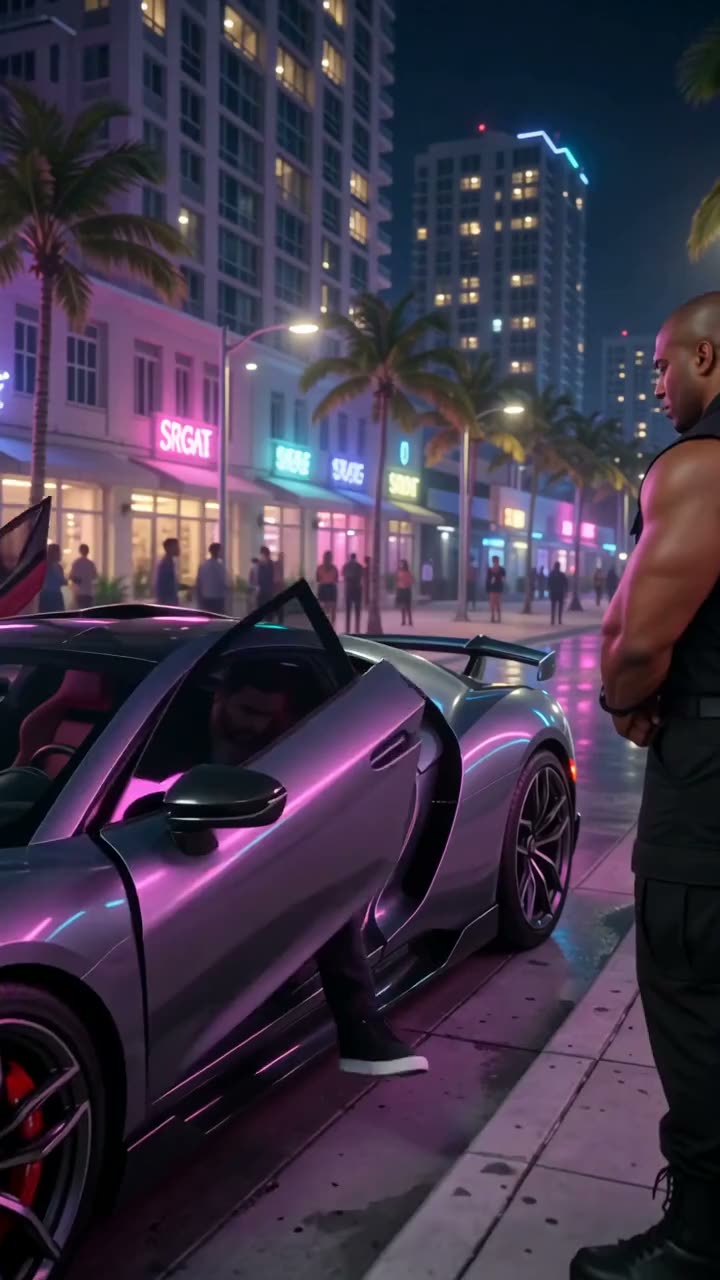
Shot 1 · The arrival
Night: a low supercar glides down a neon beachfront street and parks at the glowing club entrance, velvet rope out, bouncer on the door.
The launch-night party format
One photo rides a supercar to a neon Vice City nightclub, walks past the velvet rope, and ends up dancing in the middle of a packed floor — 12 seconds, three cuts, your outfit carried straight from the photo.
Shot by shot
The shots and their order are fixed — your photo decides who stars in them, nothing else changes.
Night: a low supercar glides down a neon beachfront street and parks at the glowing club entrance, velvet rope out, bouncer on the door.
The scissor door lifts; you step out facing the camera and walk straight past the bouncer into the neon doorway.
Inside a packed club — lasers through smoke, DJ booth glowing — you own the center of the floor while the camera orbits and the crowd cheers.
Which photo works best:Pick the outfit first: the clothes in your photo are the clothes in the club, so a half-body or full-body shot in your going-out clothes beats a tight face crop. Then check the face: the walk-out moment in shot 2 is where it reads, so a clear, evenly-lit front-facing photo of one adult wins. The dance moves are generated — your photo does not need to show you dancing. The neon sign above the door sometimes invents letters; treat it as set dressing.
How it works
Four steps, no prompt, no editing app — the whole render happens in the browser.
Open GTA 6 Nightclub and upload one photo of one adult in the outfit you want on the dance floor — half-body or full-body, front-facing, well lit.
The clip is locked to 12 seconds with three fixed cuts. Framing defaults to 9:16 vertical — 16:9 and 1:1 are selectable in the generator. Pick 480p or 720p (1080p is available on the Popular plan and above) — 720p pays off most in the laser-lit dance-floor shot where details are dense.
Check the credit cost, start the render, and keep the tab open. Generation usually takes 2–3 minutes; failed or canceled renders return your credits automatically.
Download the MP4 and post it on launch night with a caption about where you actually are — on the couch, controller in hand. It also works as a birthday drop for a friend, or as the night-time sequel to your GTA 6 Trailer AI clip.
Photo in, video out
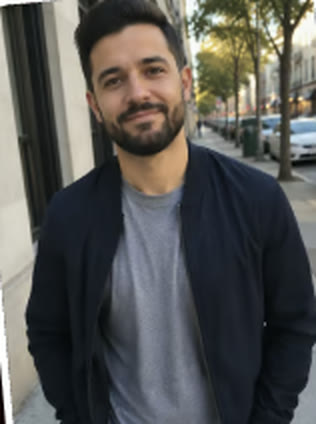
This template carries your outfit as well as your face: the person who steps out of the scissor doors and the one dancing under the lasers wear the clothes from the photo. That makes a half-body or full-body photo in your going-out clothes the best input — the club look is decided before you generate.
Fixed clip length — no duration picker guessing
Photo uploaded — that is the whole input
Top-ups available · 12 credits = $1
FAQ
It is a ViralReel template that turns one photo into a 12-second, 9:16 GTA VI-style club night in three fixed cuts: a supercar pulling up to a neon nightclub, you stepping out and walking past the bouncer, and you dancing in the center of a packed, laser-lit floor while the camera orbits.
ViralReel charges credits. The GTA 6 Nightclub generator shows the exact cost for the resolution and duration you pick before you start. One-time credit packs start at $9.9 (90 credits) on https://www.viralreel.app/pricing. Monthly plans start at $9.9/mo (90 credits) on https://www.viralreel.app/subscribe; Plus is $19.9/mo (200 credits) and Pro is $39.9/mo (500 credits). Top-ups are 12 credits = $1. Failed or canceled generations are refunded automatically. Black Friday sale: the Popular one-time pack is $16 (was $19.9) and Creator is $28 (was $39.9), same credits, through Nov 30, 2026, 24:00 UTC+8; list prices return after the sale.
No. ViralReel does not offer free credits — the exact cost shows on the generate button before you start, and failed renders are refunded automatically. Credit packs: viralreel.app/pricing; monthly plans: viralreel.app/subscribe.
About 2–3 minutes for the 12-second clip. Keep the tab open while it renders; failed or canceled renders return your credits.
Shot 1: the supercar glides up to the velvet-roped club entrance at night. Shot 2: you step out of the scissor doors facing the camera and walk past the bouncer inside. Shot 3: you dance in the center of the packed floor — lasers, smoke, DJ booth — while the camera circles you.
Yes — that is this template's signature. The face, hairstyle, build and clothes from your photo are what appear in the club, so upload a half-body or full-body photo in the outfit you want. A face-only crop leaves the wardrobe to the template.
9:16 vertical across three cuts — the format TikTok, Reels and Shorts use. 16:9 and 1:1 are selectable, but the club shots are framed for vertical.
No. The dance moves are generated by the template; your photo only needs you standing clearly in your outfit. A normal front-facing portrait works.
No. It is fan-made AI visual content styled after GTA VI's Vice City nightlife — the club is generated, and the neon sign sometimes invents letters. ViralReel is not affiliated with Rockstar Games or Take-Two Interactive. Label your post as AI-generated.
Yes — with their permission and a going-out photo they approve, one adult per photo. Pairs well as a launch-night gift: "you were at the club, I was on the couch." Do not use photos of minors or celebrities.
720p. The dance-floor shot is the densest frame of the clip — lasers, smoke, crowd — so the difference shows there first. Both tiers render the same three hard cuts and the same 12 seconds.
The clip carries generated club sound — room feel, crowd, beat energy — no licensed track. ViralReel does not license music; add your own track in the TikTok, Reels or Shorts editor and keep the AI-generated label on.
Yes — the choreography is generated by the template. Your photo only needs you standing clearly in your going-out outfit; a normal front-facing portrait is enough.
No — the venue is generated and the neon sign sometimes invents letters. Treat it as a set. ViralReel is not affiliated with any club, and the clip is not real footage.
Your photo is used only to render your clip. Upload your own photo or one of an adult who agreed to appear; never upload minors or celebrities. The outfit you upload is the outfit in the club, so pick it first.
The trend behind this template
It is the nightlife branch of the GTA 6 AI wave: three cuts that take one person from a supercar arrival to the center of a Vice City dance floor. GTA VI's launch (19 November 2026) made every club-and-neon clip instantly readable as GTA content, and nightclubs have been part of the series' fantasy since the original Vice City radio stations — this template is that fantasy with your face and your outfit in it.
Most photo-to-video trends carry the face and improvise the wardrobe; this format carries both, because the whole arc is about arriving in style — the car, the rope, the floor. That turns photo choice into a casting decision: what you upload is literally what you wear in the film. It is the rare template where the outfit is content, not noise.
The download is a new 12-second 9:16 MP4 with club audio generated by the model. It is fan-made AI content styled after GTA VI — not a real club, not recorded gameplay, not official material. ViralReel (viralreel.app) is not affiliated with Rockstar Games or Take-Two Interactive. Use a photo of an adult who agreed to appear, and publish with the AI label on.
More GTA 6 AI formats
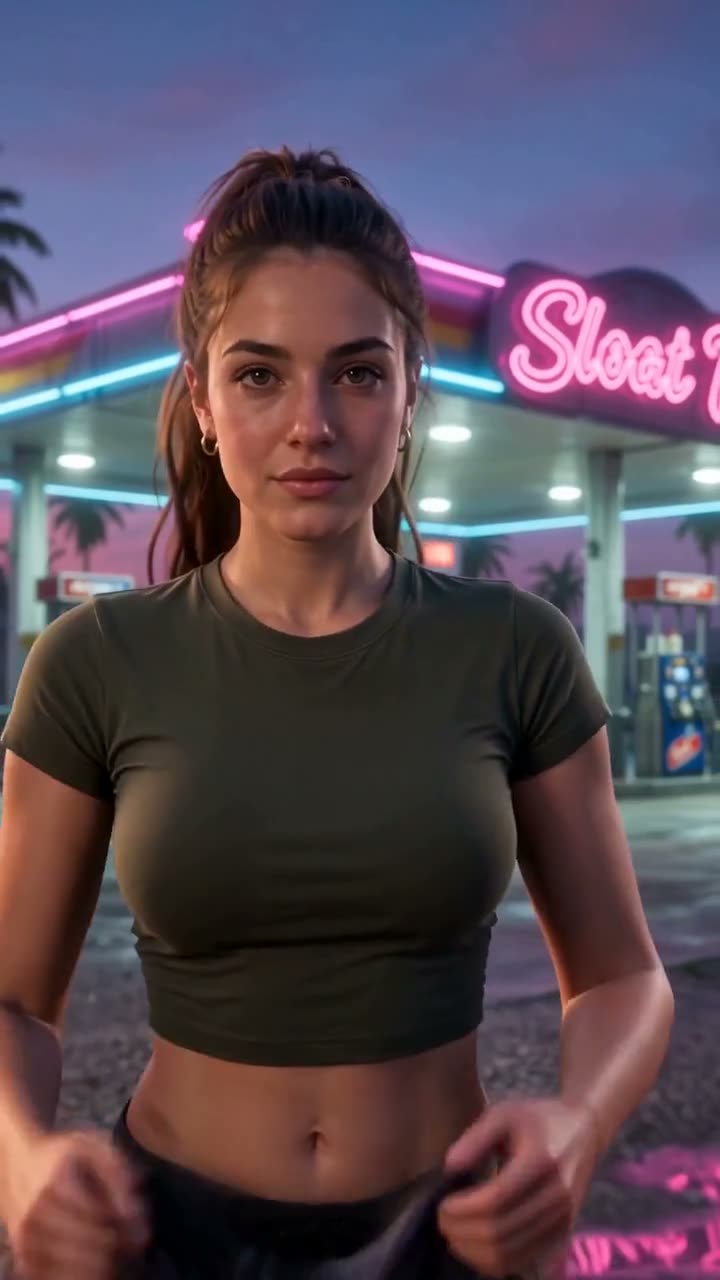
One clear photo puts you in a 12-second GTA VI-style trailer: a sunset convertible run, a gas-station face covering, an airboat sprint past an alligator, and a rooftop turn into the searchlight.
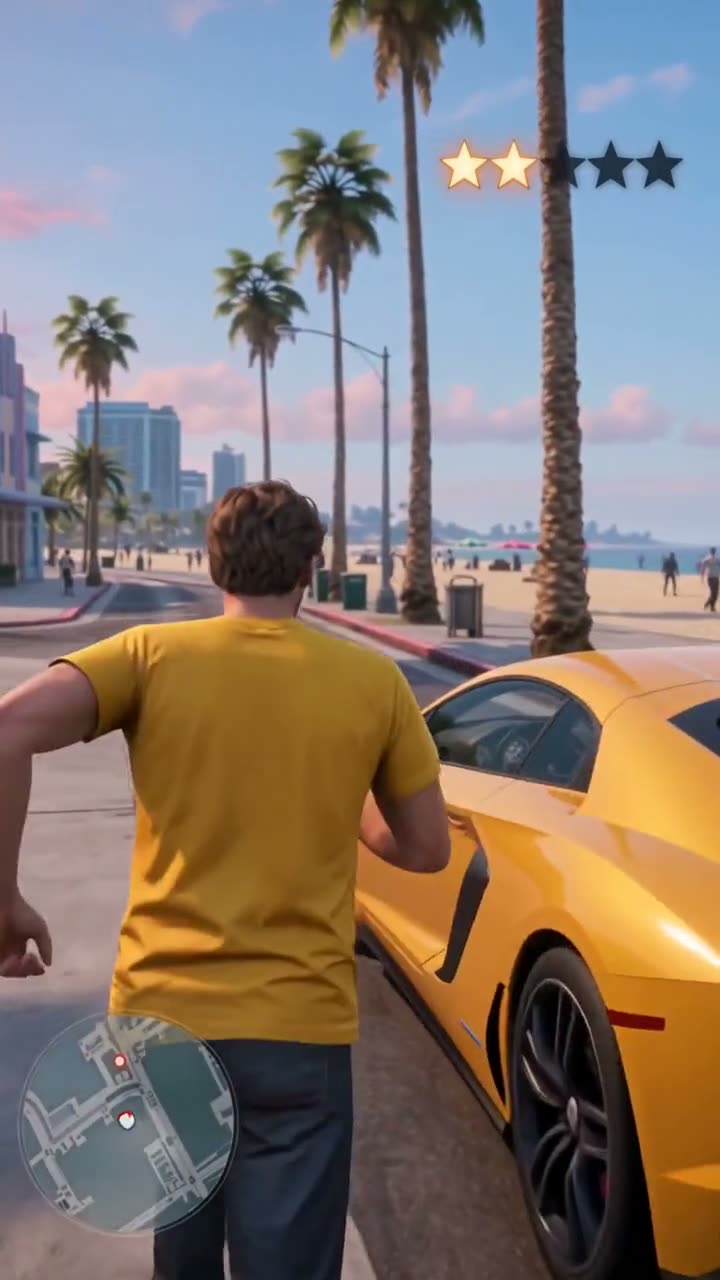
One photo becomes a 10-second third-person gameplay clip: you walk into frame on a pastel beach street, sprint to a yellow supercar, and drive into the pink sunset with five wanted stars lighting up and two cruisers on your tail.
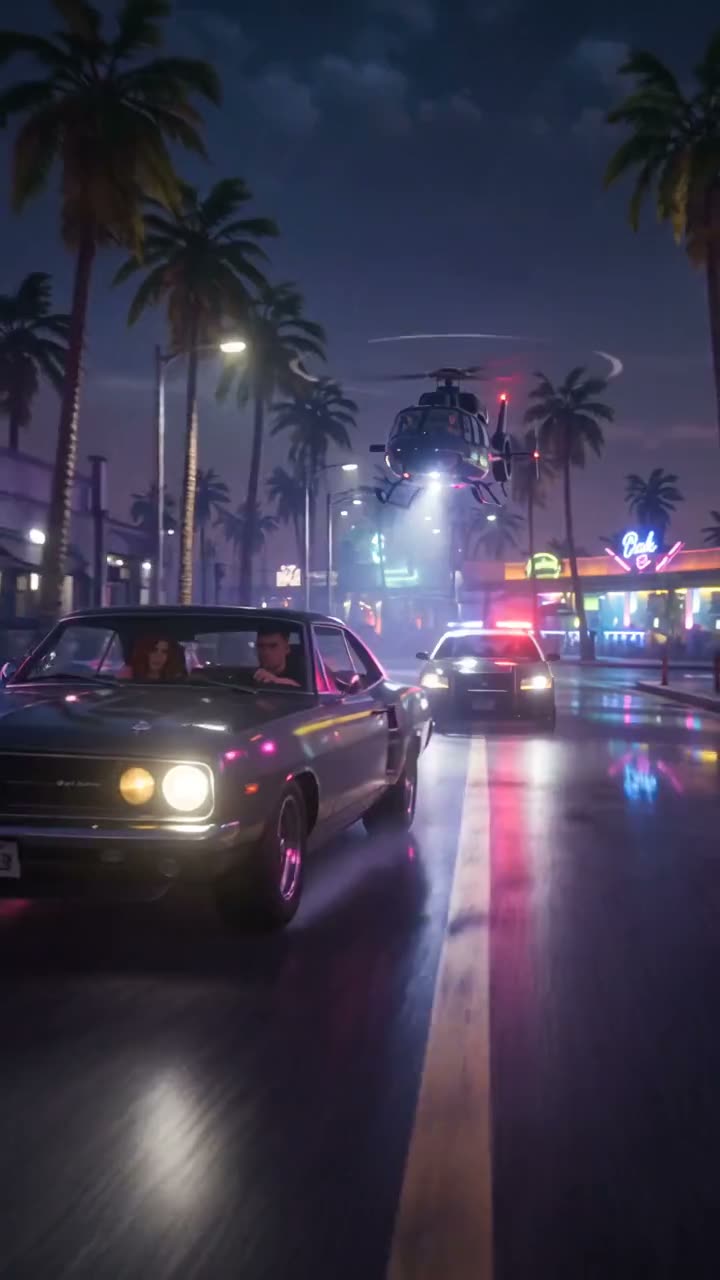
Two photos — a driver and a passenger — become a 15-second GTA VI-style chase romance: a drifting muscle car, a searchlight through the windshield, a fire-escape sprint, and a slow-motion rooftop kiss under the helicopter.
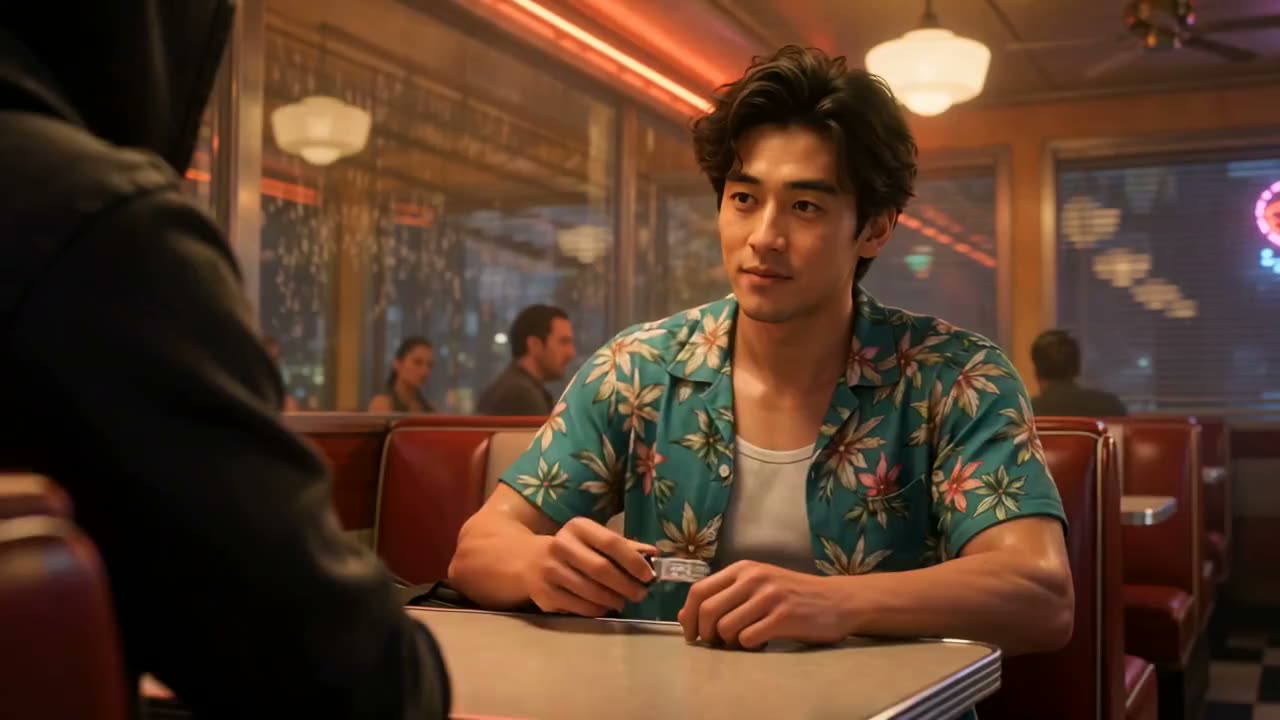
One photo makes you the lead of a 15-second 16:9 game-cutscene story: a neon street intro, a beach meetup, a diner bag grab, a coastal chase, and a hero close-up under the neon to close.
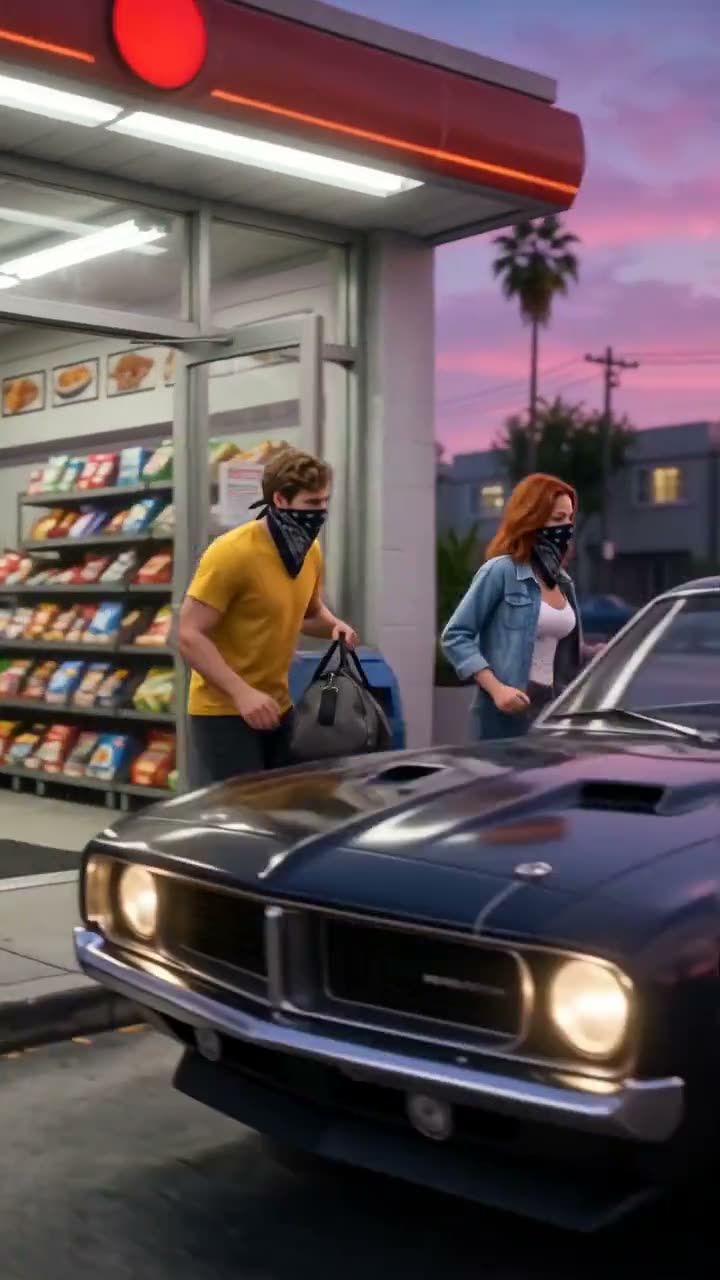
Two photos — a driver and a bag partner — become a 12-second GTA VI-style getaway: face scarves at the gas station, a sprint from the convenience store, laughing in the cab with police lights behind, and a palm-highway charge at the camera.
One photo rides a supercar to a neon Vice City nightclub, walks past the velvet rope, and ends up dancing in the middle of a packed floor — 12 seconds, three cuts, your outfit carried straight from the photo.