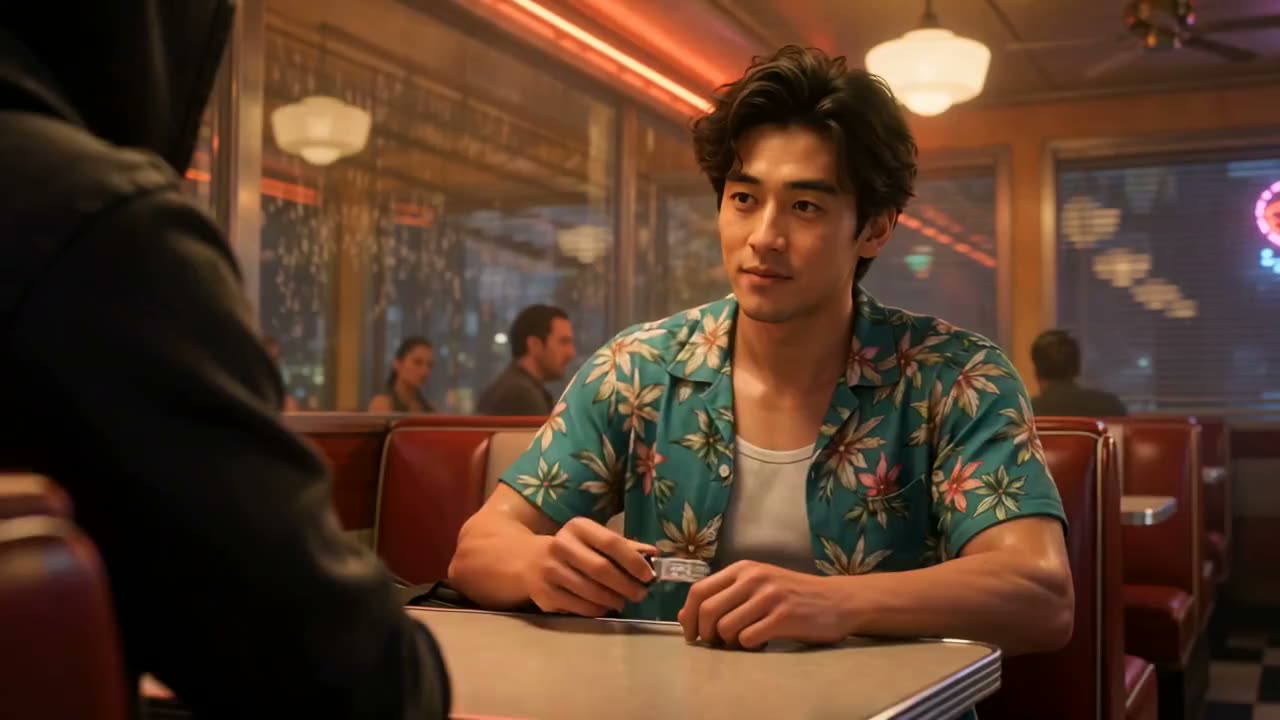
Shot 1 · Neon intro
A close-up under rain-slick neon street signs introduces the lead — your face, set against the city.
The one widescreen format in the series
One photo makes you the lead of a 15-second 16:9 game-cutscene story: a neon street intro, a beach meetup, a diner bag grab, a coastal chase, and a hero close-up under the neon to close.
Photo in, video out

Your photo decides only the lead — the two accomplices, the diner contact and the chase are generated by the scene. The story repeats your face at the intro, in the cab and in the closing close-up, so a clear front-facing photo of one adult is the single input this template needs.
The trend behind this template
It is the cinematic branch of the GTA 6 AI wave: instead of a chase or a dance, it tells a six-beat crime story in the game's cutscene style — meet the crew, take the bag, outrun the heat, end on the hero. Vice City is the setting GTA fans have waited over twenty years to return to, and launch week (the game shipped 19 November 2026) turned any cutscene-styled clip into instant content.
Every other format in this series is vertical because TikTok, Reels and Shorts are vertical. The Vice City Story format is 16:9 on purpose: cutscenes are how GTA actually tells stories, and a landscape frame fits the whole crew, the car, the palms and the skyline in one composition. It is the branch built for YouTube, gaming channels and compilations — the places game trailers actually live.
The download is a new 15-second 16:9 MP4 with sound, rendered in the game's cutscene look. Your photo provides the lead only — it is a personal fan trailer, not real gameplay, not a Rockstar cutscene, and it does not modify any game files. ViralReel (viralreel.app) is independent and not affiliated with Rockstar Games or Take-Two Interactive. Use a photo of an adult who agreed to appear, and label the post as AI.
Shot by shot
The shots and their order are fixed — your photo decides who stars in them, nothing else changes.
A close-up under rain-slick neon street signs introduces the lead — your face, set against the city.
Golden hour by the water: you meet two accomplices beside a dark muscle car under the palms.
Inside a warmly lit diner, you take the duffel bag off the table.
A coastal-highway run with police lights strobing in the mirror and a searchlight raking the road.
Through the windshield: your face, set and focused, hands steady on the wheel.
Back under the neon, a confident final pose beside the car closes the story.
Which photo works best:A front-facing or slightly angled portrait of one adult, evenly lit and in focus, head-and-shoulders or half-body. The face is re-rendered in the game's cutscene style, so eyes, nose and mouth must be clear; skip sunglasses, masks, heavy beautification and distant shots. The lead's wardrobe can shift between shots — if you care about the outfit, a photo with an open jacket over a plain shirt survives the render most consistently.
How it works
Four steps, no prompt, no editing app — the whole render happens in the browser.
Open GTA 6 Vice City Story and upload one clear photo of one adult — front-facing or slightly angled, eyes visible. This is the only input; accomplices and extras are generated by the scene.
The template renders in 16:9 landscape — the only widescreen format in the GTA 6 series. The ratio control defaults to auto, which follows the 16:9 reference clip; leave it untouched unless you specifically want a vertical reframe.
The clip is locked to 15 seconds with the six shots in order. Choose the resolution, check the credit cost on the button, and start the render — it usually takes 2–3 minutes, and failures are refunded.
Download the MP4 and use it as a channel intro on YouTube, a gaming-account character trailer, or the opening of your own gameplay compilation. Landscape fills with cars, palms and city light — that is the point of this format.
FAQ
It is a ViralReel template that turns one photo into a 15-second, 16:9 landscape story in the GTA VI cutscene style, in six fixed shots: neon street intro, beach meetup with two accomplices, diner bag pickup, coastal-highway chase, in-cab close-up, and a final hero shot under the neon.
ViralReel charges credits. The GTA 6 Vice City Story generator shows the exact cost for the resolution and duration you pick before you start. One-time credit packs start at $9.9 (90 credits) on https://www.viralreel.app/pricing. Monthly plans start at $9.9/mo (90 credits) on https://www.viralreel.app/subscribe; Plus is $19.9/mo (200 credits) and Pro is $39.9/mo (500 credits). Top-ups are 12 credits = $1. Failed or canceled generations are refunded automatically. Black Friday sale: the Popular one-time pack is $16 (was $19.9) and Creator is $28 (was $39.9), same credits, through Nov 30, 2026, 24:00 UTC+8; list prices return after the sale.
No. Every render is paid; the exact cost shows on the generate button before you start. ViralReel does not offer free credits, and failed or canceled renders are refunded. Packs: viralreel.app/pricing; monthly: viralreel.app/subscribe.
About 2–3 minutes for the 15-second clip. Keep the tab open; the progress bar shows the stages, and failed renders return the credits automatically.
Shot 1: your close-up under rain-slick neon. Shot 2: the beach meetup beside the dark muscle car. Shot 3: the diner, where you take the duffel bag. Shot 4: the coastal-highway chase with police lights behind. Shot 5: the in-cab close-up of your face. Shot 6: the confident hero pose beside the car under the neon.
Because it is built like a game cutscene: the widescreen frame holds the crew, the car, the palms and the skyline together, which is what a story format needs. The generator's ratio control defaults to auto and follows the 16:9 reference; the other five GTA 6 formats are 9:16 vertical.
One adult, front-facing or slightly angled, evenly lit and in focus — head-and-shoulders or half-body. Only the lead comes from your photo; the accomplices are generated. Skip sunglasses, masks, heavy beautification and faraway shots.
YouTube and gaming channels are the natural home: channel intros, character trailers, and the opening of gameplay compilations. It also plays fine on X and Discord where landscape clips are standard.
No. It is fan-made AI content styled after GTA VI cutscenes — not captured gameplay and not official material. ViralReel is not affiliated with Rockstar Games or Take-Two Interactive. Label the post as AI-generated.
No — the template accepts exactly one photo, and it casts the lead. The two accomplices, the diner contact and the chase drivers are all generated by the scene, so a group photo will not distribute your friends into those roles.
720p is the recommended pick: on a widescreen frame the extra detail shows in the diner interior, the chase and the closing hero shot. The story, duration and photo count are identical at 480p.
No dialogue — the audio is generated scene sound (city, engine, diner ambience). ViralReel does not license any game soundtrack, so add music from your publishing app's library and keep the AI-generated label on.
The face and build carry through all six shots; wardrobe can shift between scenes because each is rendered separately. If the outfit matters to you, choose a photo with an open jacket over a plain shirt — that combination survives the render most consistently.
No — the template accepts exactly one photo, which casts the lead. The accomplices, the diner contact and the drivers are generated by the scene, so there is no way to assign friends to those roles.
Your photo is used to generate your video only; it does not become a public template or a reusable character. Upload a photo of yourself or of an adult who agreed to appear, and never a minor or a celebrity.
Fixed clip length — no duration picker guessing
Photo uploaded — that is the whole input
Top-ups available · 12 credits = $1
More GTA 6 AI formats
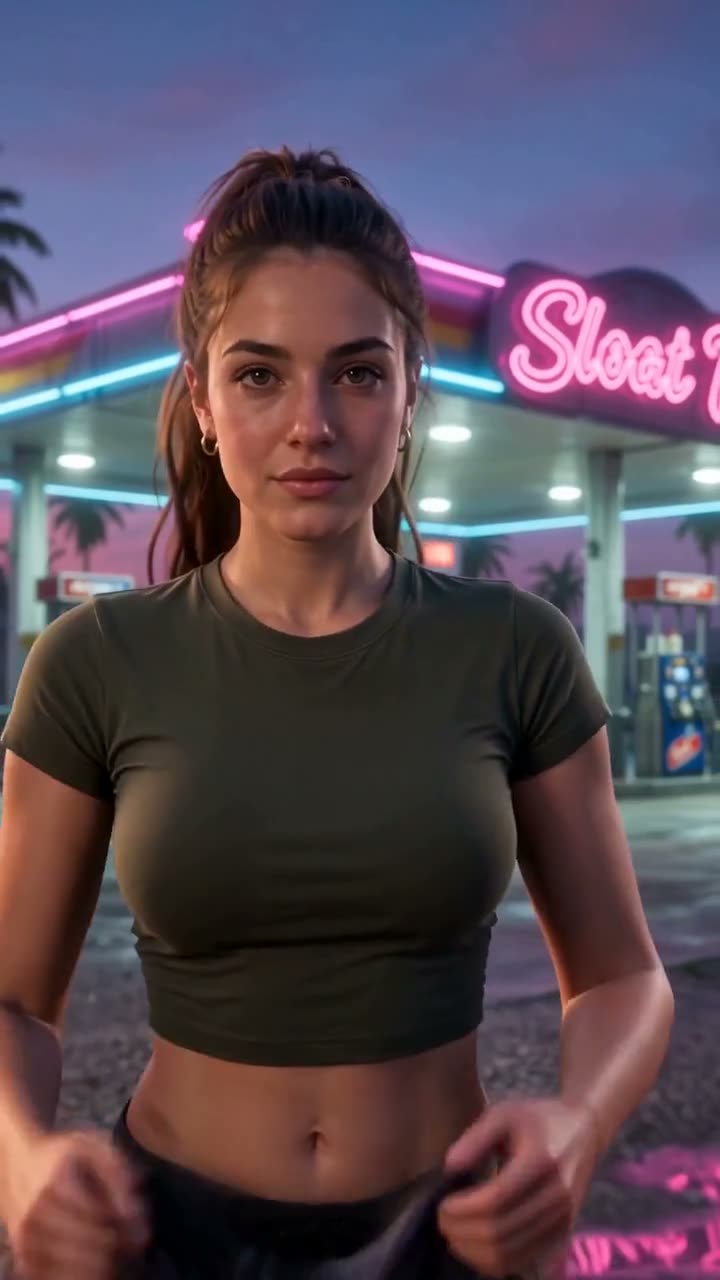
One clear photo puts you in a 12-second GTA VI-style trailer: a sunset convertible run, a gas-station face covering, an airboat sprint past an alligator, and a rooftop turn into the searchlight.
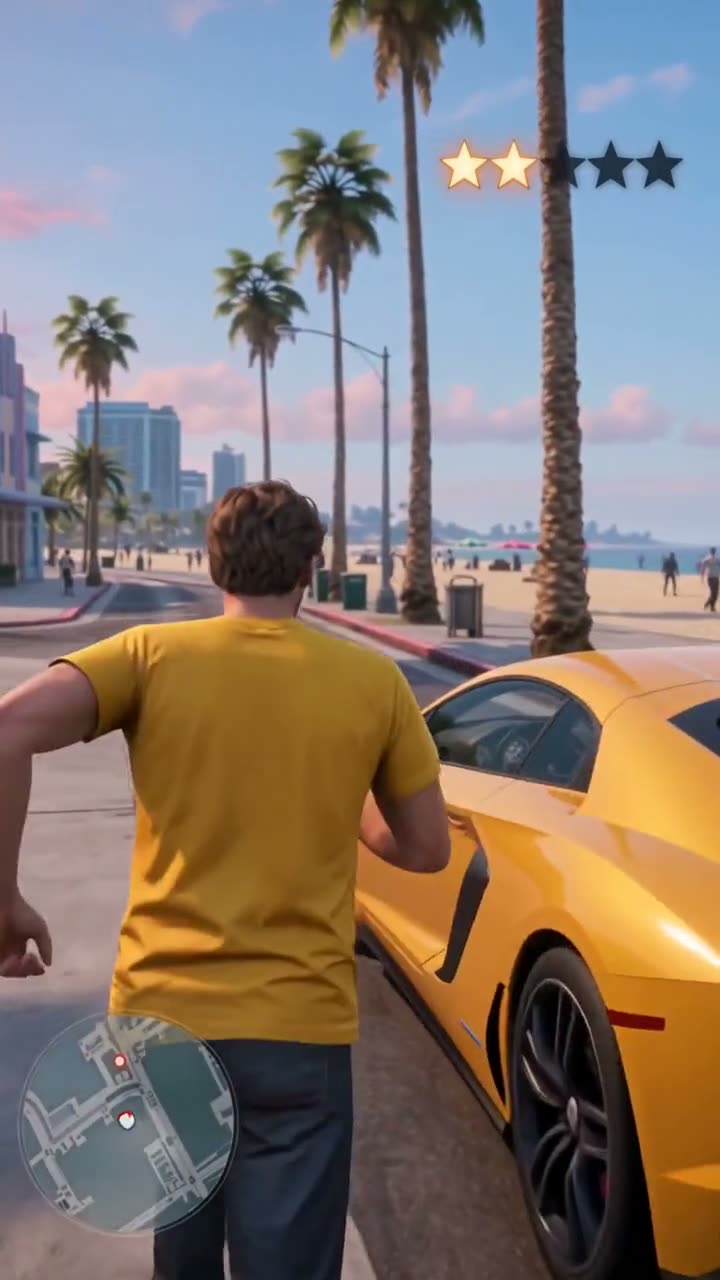
One photo becomes a 10-second third-person gameplay clip: you walk into frame on a pastel beach street, sprint to a yellow supercar, and drive into the pink sunset with five wanted stars lighting up and two cruisers on your tail.
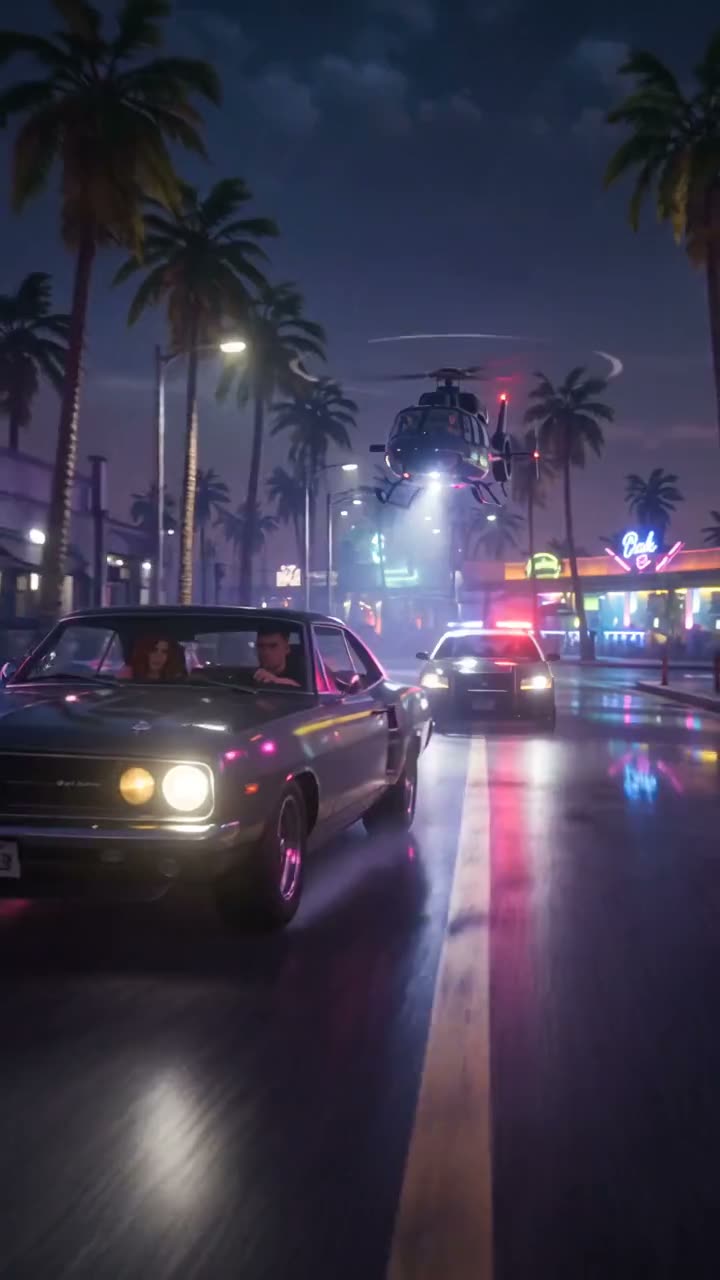
Two photos — a driver and a passenger — become a 15-second GTA VI-style chase romance: a drifting muscle car, a searchlight through the windshield, a fire-escape sprint, and a slow-motion rooftop kiss under the helicopter.
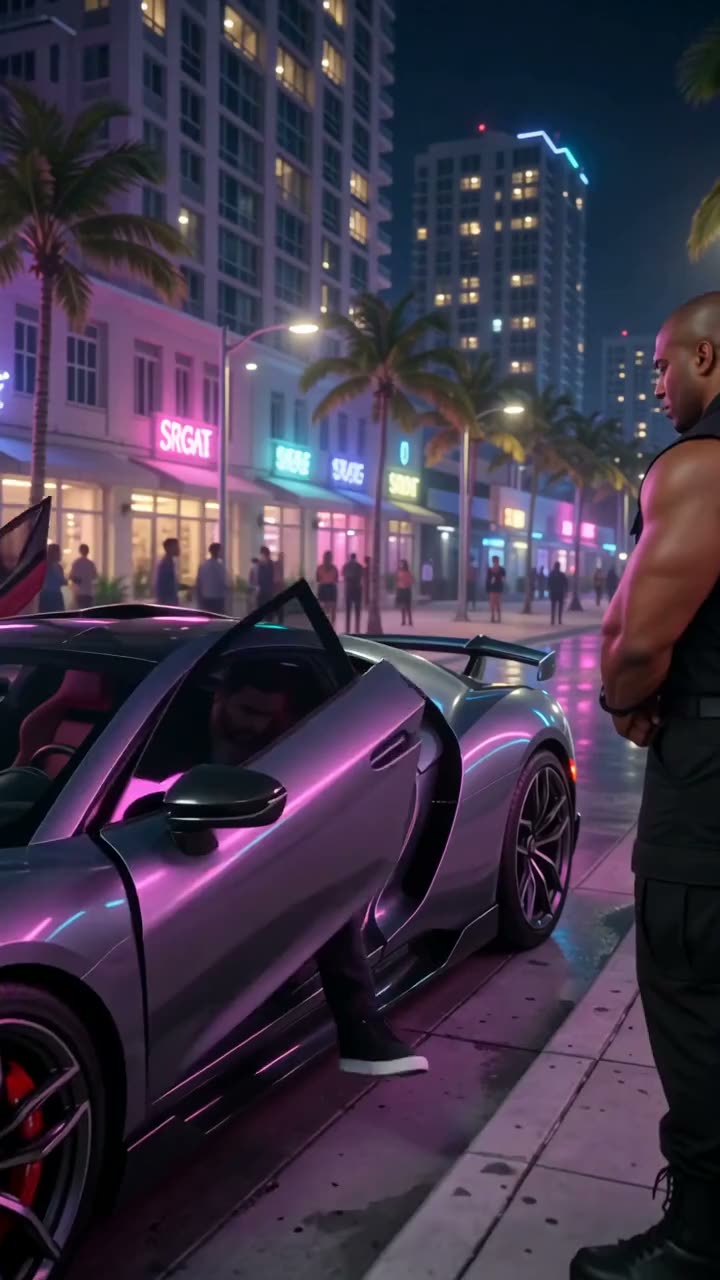
One photo rides a supercar to a neon Vice City nightclub, walks past the velvet rope, and ends up dancing in the middle of a packed floor — 12 seconds, three cuts, your outfit carried straight from the photo.
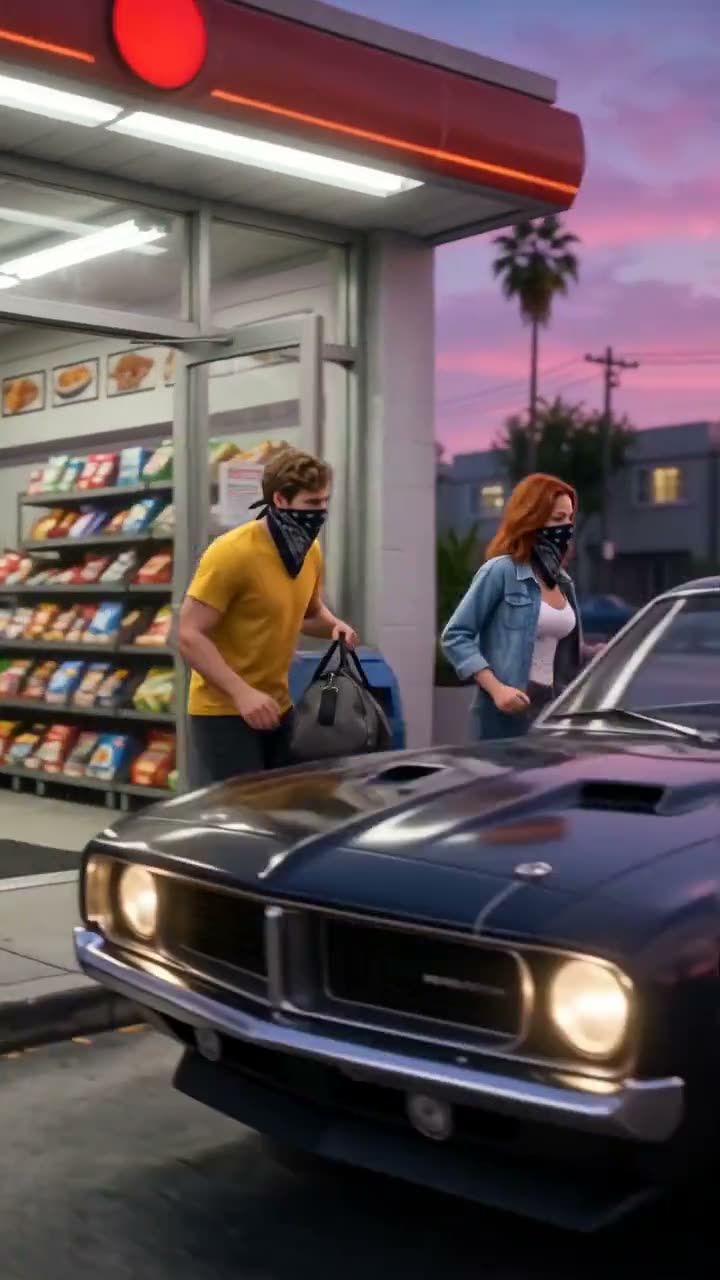
Two photos — a driver and a bag partner — become a 12-second GTA VI-style getaway: face scarves at the gas station, a sprint from the convenience store, laughing in the cab with police lights behind, and a palm-highway charge at the camera.
One photo makes you the lead of a 15-second 16:9 game-cutscene story: a neon street intro, a beach meetup, a diner bag grab, a coastal chase, and a hero close-up under the neon to close.